Affont 1.1: smart kerning and spacing, light mode, a built-in guide and French

Affont 1.1 is the biggest update so far. What’s new:
Smart kerning and spacing
- Auto-space… sets the side bearings of every letter from its shape, with the air of your n: round and diagonal letters end up closer than straight ones.
- Auto-kerning… groups letters with the same shape (n m h r, o c e, accented letters with their base) and adds only the pairs that need it, like AV, To or P.
- It’s a starting point to fine-tune by hand, and Ctrl/⌘+Z undoes it.
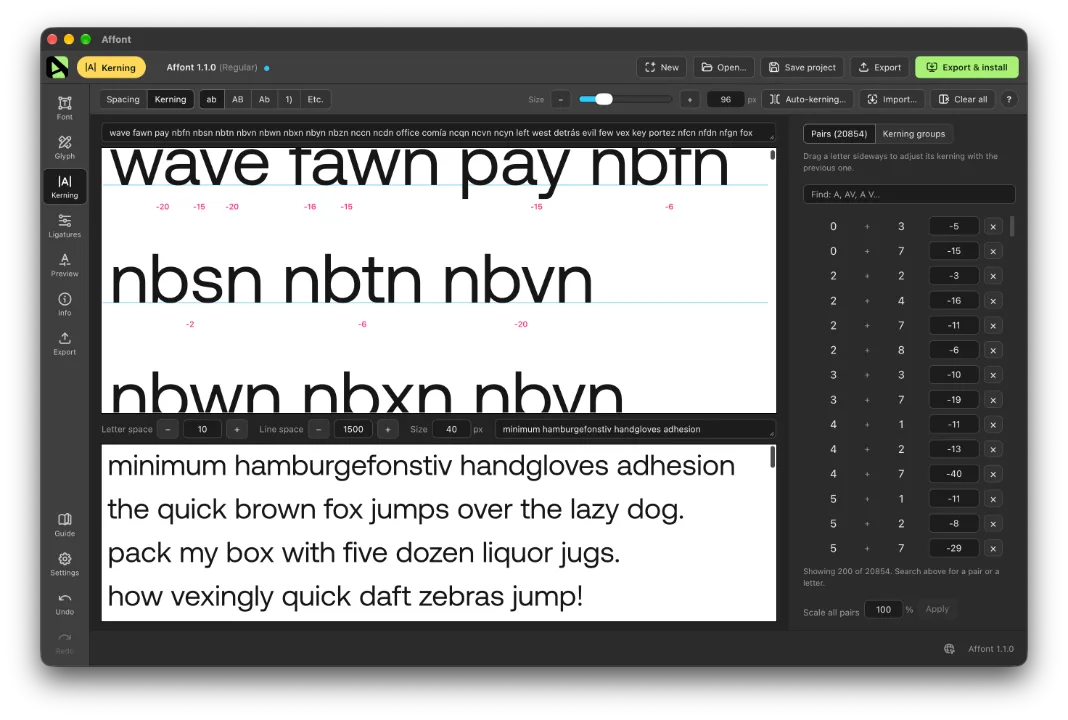
Spacing and kerning, redesigned
- New Spacing mode inside Kerning: control strings, a long-text preview and a table with the side bearings of every letter, plus Reset… and Mono…
- Text size and zoom (Ctrl/⌘ + mouse wheel). Long text no longer shrinks to fit.
- Pairs are shown inside real words, and kerning groups are clearer.
Light mode
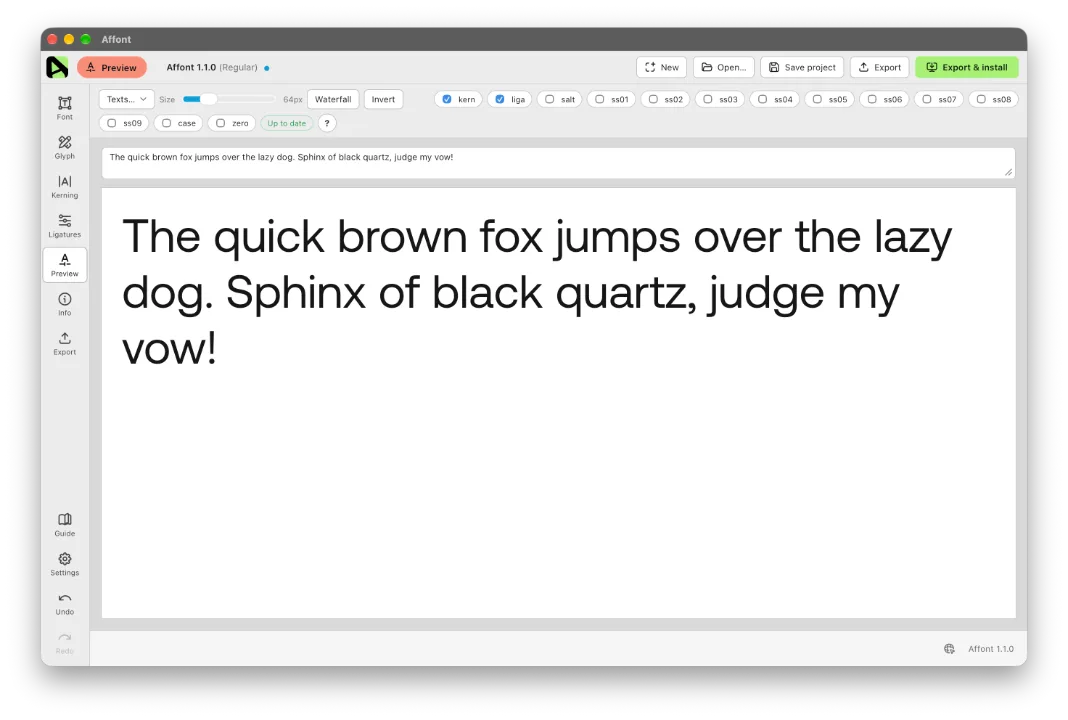
In Settings ▸ Appearance you can choose Light, Dark or System. System follows your computer and is the default, so if your computer uses light mode, Affont will open in light after updating. To keep it dark, pick Dark there.
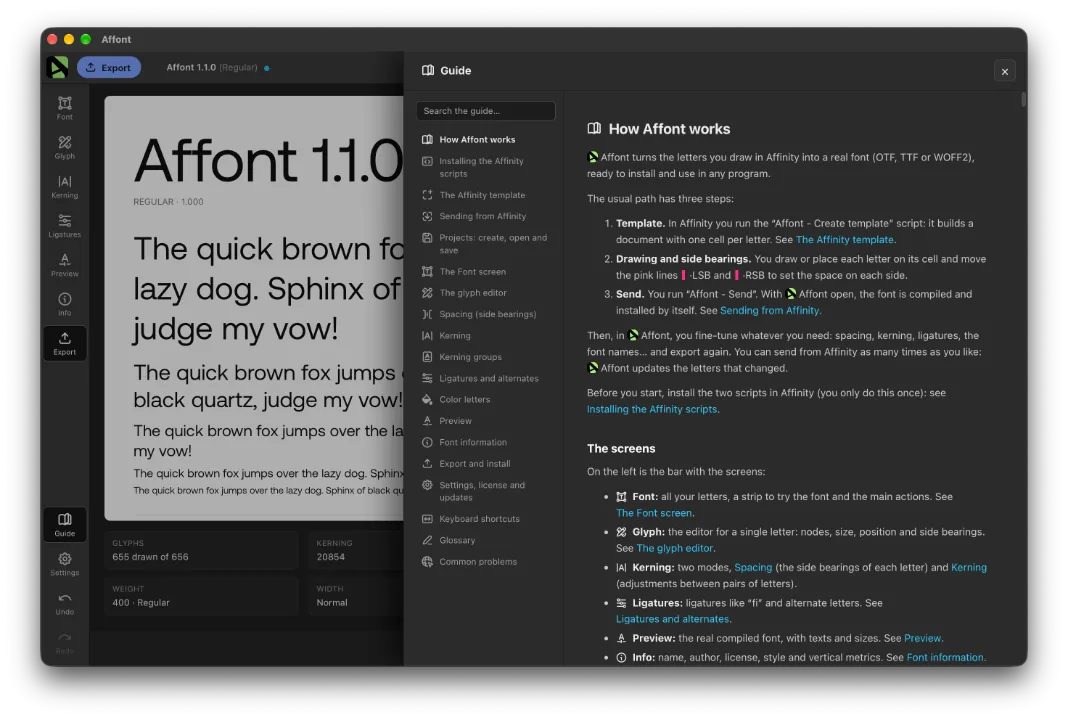
A complete guide inside the app
Every screen explained, with search. Open it from Guide in the sidebar, or from the ? on each screen, which takes you right to that part.
Also new
- Affont is now available in 🇫🇷 French, including the Affinity scripts and the Mac menu. The Latin set adds the French letters, and your font gets the thin spaces French uses.
- Glyph: a panel on the left with all your letters and a search box, to jump to any letter without leaving the screen.
- Preview: try every feature your font has (small caps, figures, fractions…) and see the gradients of color letters.
- Export: a language button picks the language of the specimen text and of the PNG image.
- Projects are now saved as .affontx and open with a double-click. You can also drag projects, fonts and SVG files onto the window. Your .affont projects still open as before.
- Notices: saving shows a confirmation, and anything to check after an export or a send from Affinity stays in Notices, at the bottom right.
Fixes
- On Windows, the preview, the Export specimen and the PNG image no longer show holes where the shapes of a letter overlap. Your exported fonts were fine: only the preview was wrong.
- Open… asks before discarding unsaved changes.
- Undrawn letters are no longer exported as blank spaces.
- Uninstall finds the font even if you renamed it.
- Font names with accents no longer lose letters in the font’s technical name.
After updating, import the Affinity scripts again to get them in French:
- In Affont: Settings ▸ Scripts for Affinity (.afscripts)…
- In Affinity: Script Library ▸ ▾ menu ▸ Import scripts… (delete the old “Affont” category first).
Thanks to Andhika for asking for smarter kerning and spacing, to JOL for reporting the hollow letters in the Export specimen and the PNG image on Windows, and to everyone who asked for French.