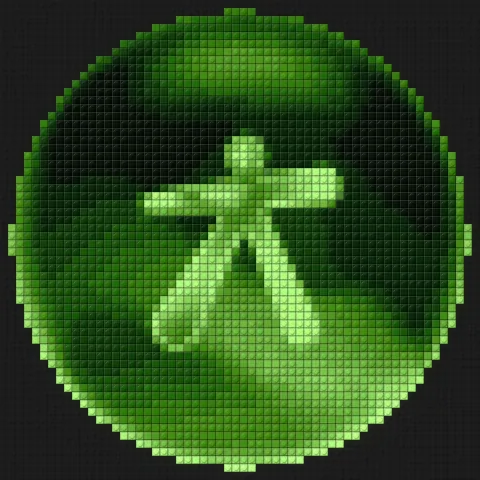

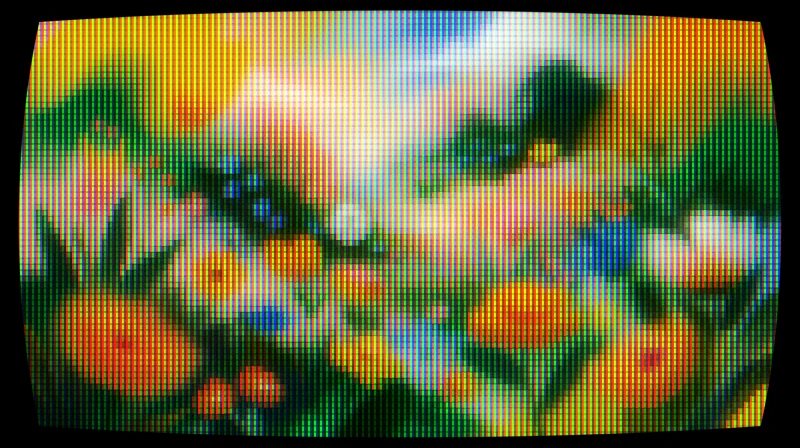
CRT for Affinity
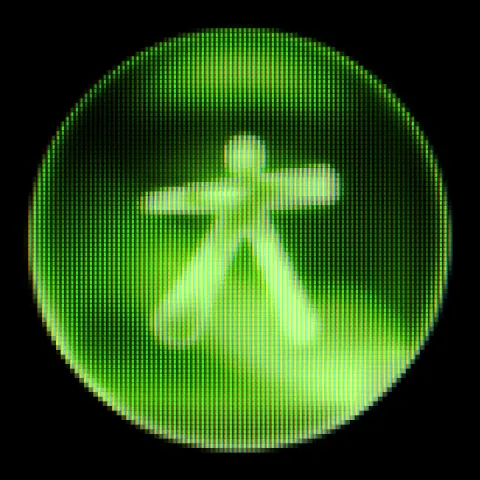
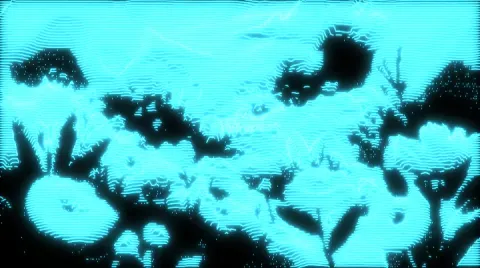
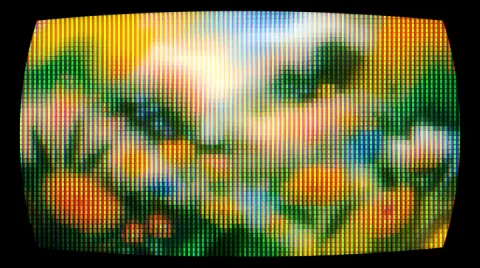
Turns any layer into a tube screen: curvature, RGB phosphors, scanlines and bloom.
Filter Gallery, with 97 effects in a single window and 8 of them free; Face Liquify, to retouch faces like Photoshop’s Liquify › Face; and Affont, to turn your letters into real fonts.
Affinity 3.3+ · Windows and macOS
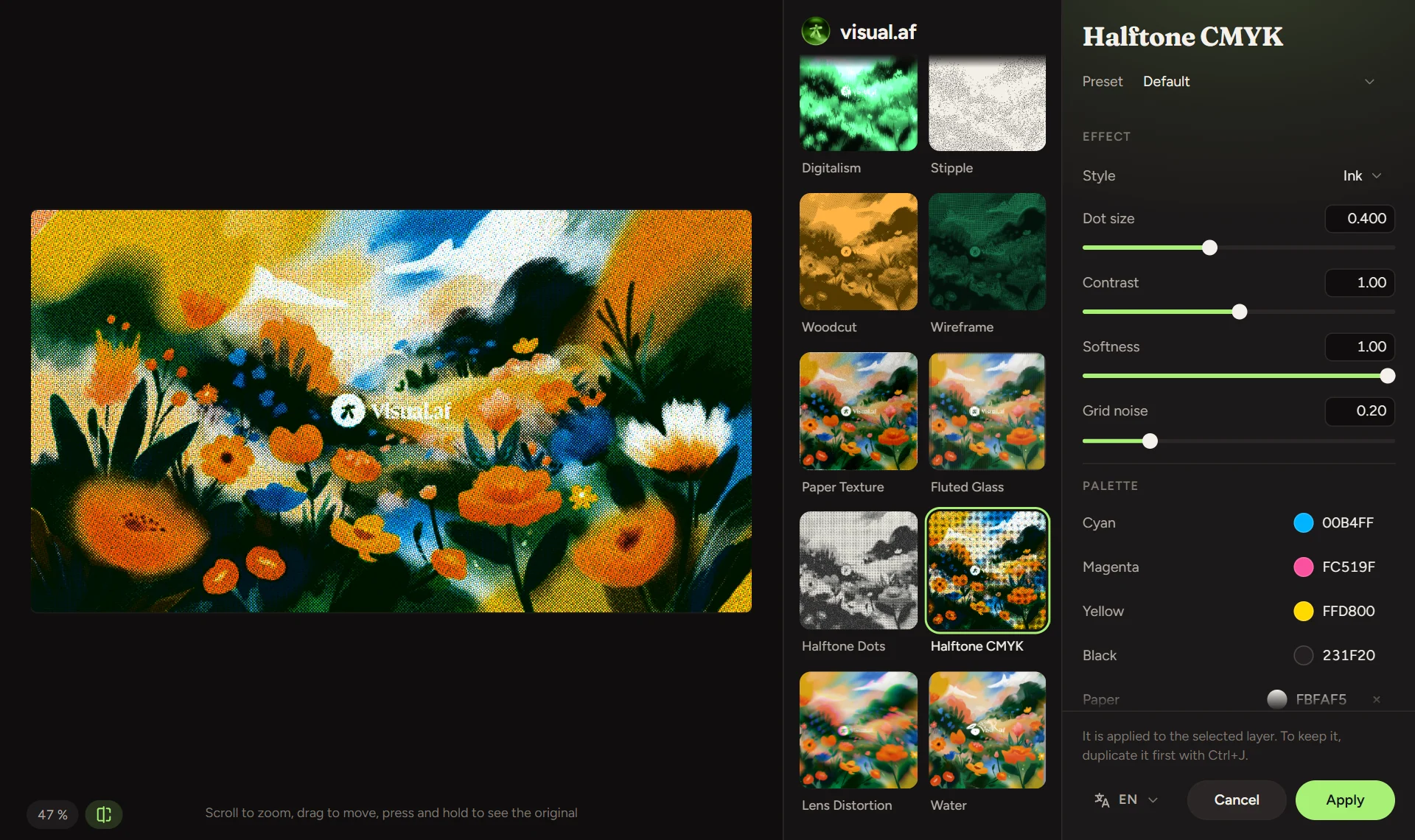
A plugin that opens 97 effects in one window inside Affinity, with thumbnails of your layer and a zoomable preview.
Discover Filter Gallery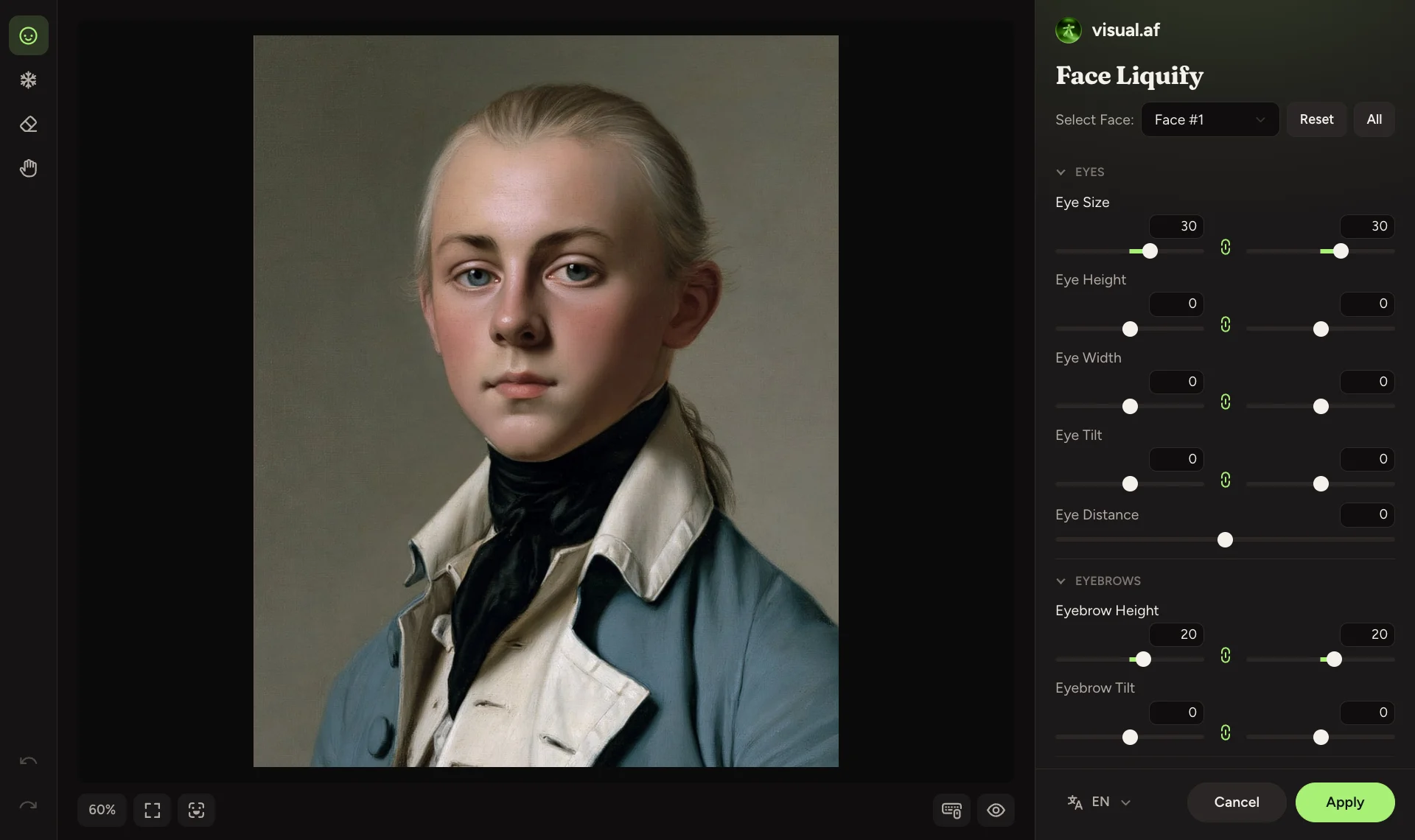
Photoshop’s Liquify › Face, inside Affinity: it finds the faces on your layer and lets you reshape eyes, nose, mouth and face shape with a live preview.
Discover Face Liquify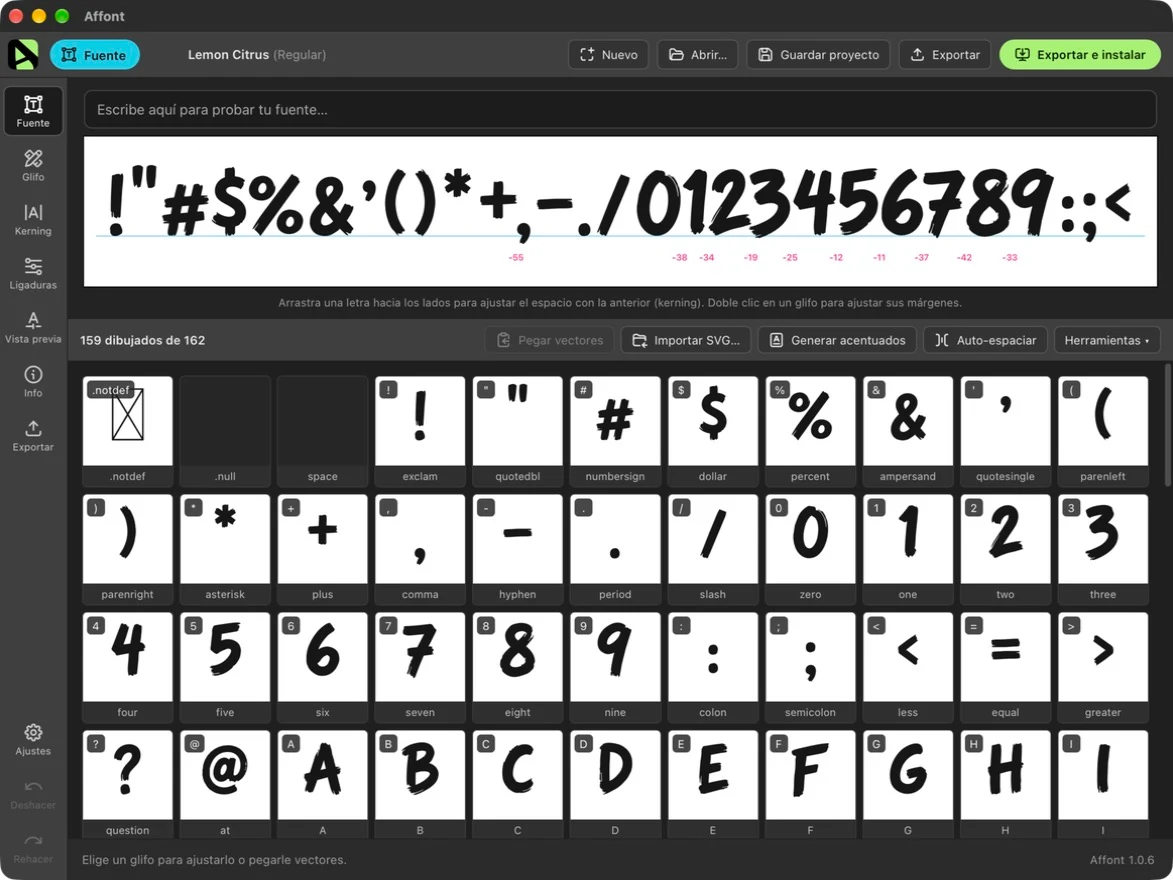
The font creator for Affinity. Draw or paint your letters, hit “Send” and get an installed OTF, TTF or WOFF2 font, with auto-kerning, contextual alternates and color.
Discover AffontScripts · Free
Import them once and run them from the Scripts panel. Each one does in a click what takes several steps by hand.
Filter Gallery
Filter Gallery is a plugin for Affinity that shows every effect applied to your image. You pick one, adjust it with a live preview and apply it.
Face Liquify
Photoshop’s Liquify › Face, inside Affinity: it finds the faces on your layer and lets you reshape eyes, nose, mouth and face shape with a live preview.
Filter Gallery
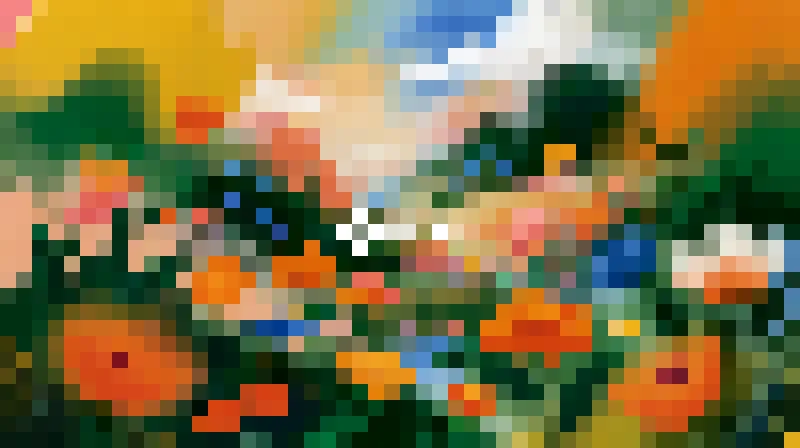
CRT, ASCII, Dithering, Beads, Knit, Bricks, Glitch and Pixelate come with the free download of Filter Gallery. You don’t need an account or a license to use them.
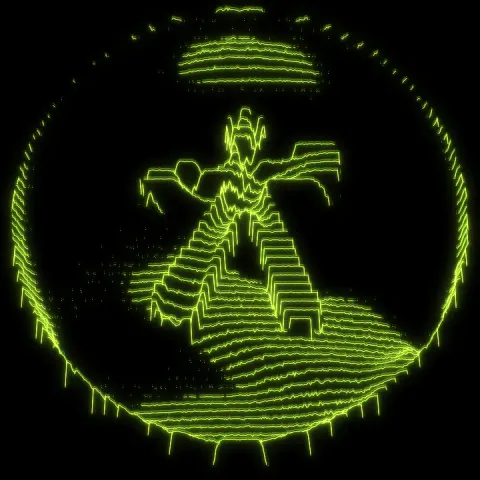
Turns any layer into a tube screen: curvature, RGB phosphors, scanlines and bloom.
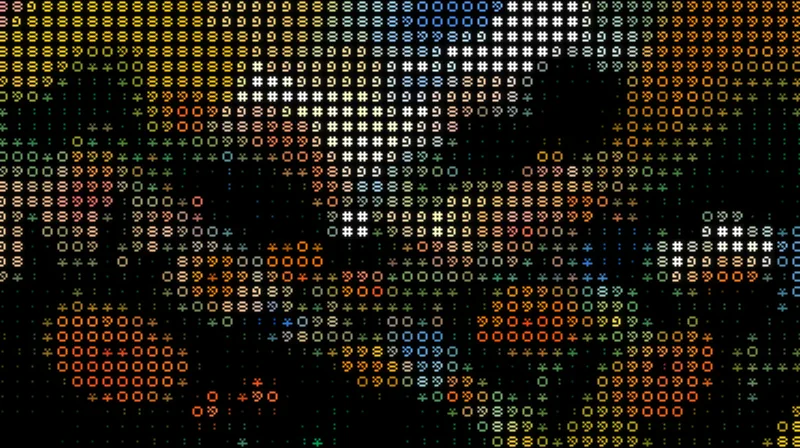
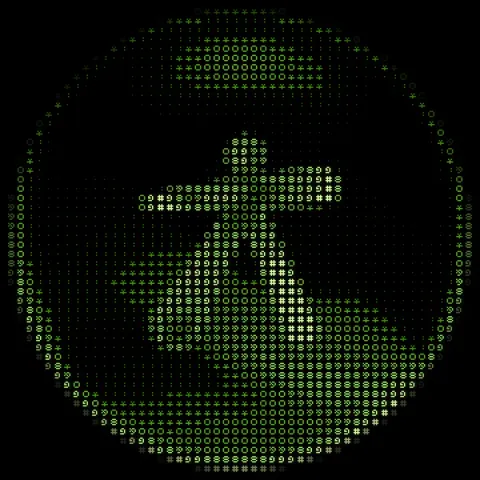
Turns your images into art made of characters, in their original colors or a single ink, with a transparent background.
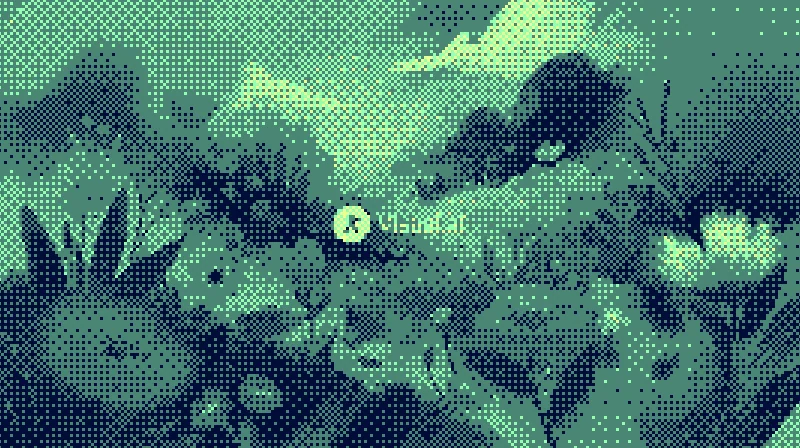
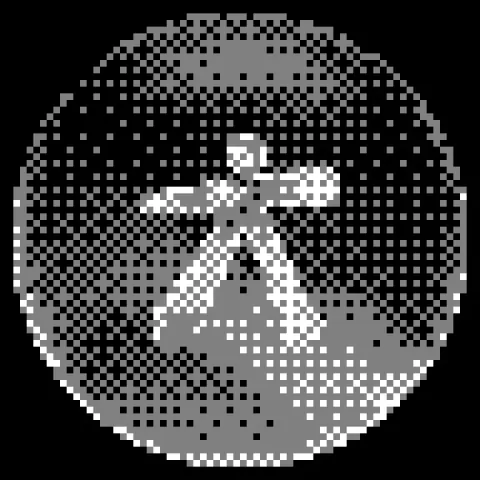
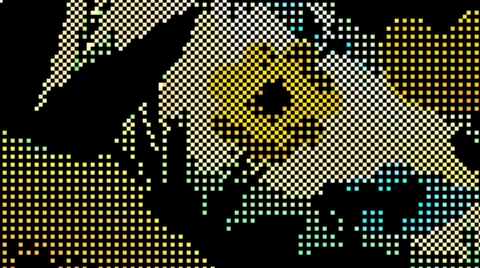
Dithers your images with Bayer matrices or random noise, in the original colors or your own palette.
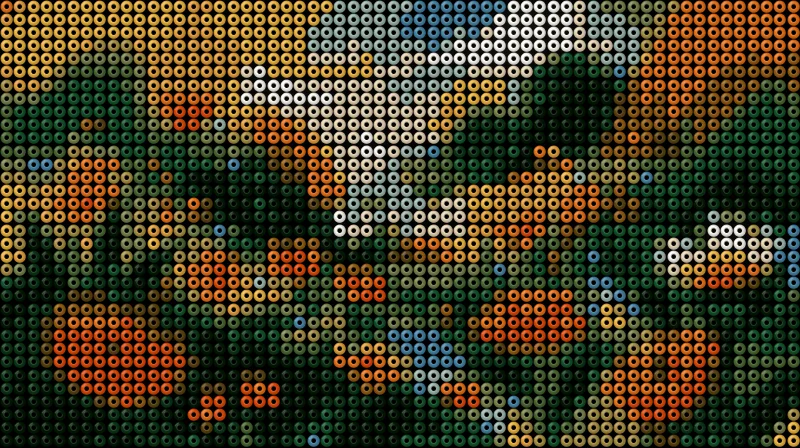
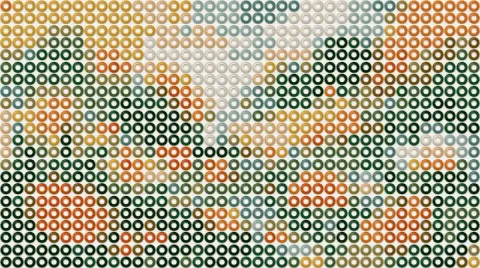
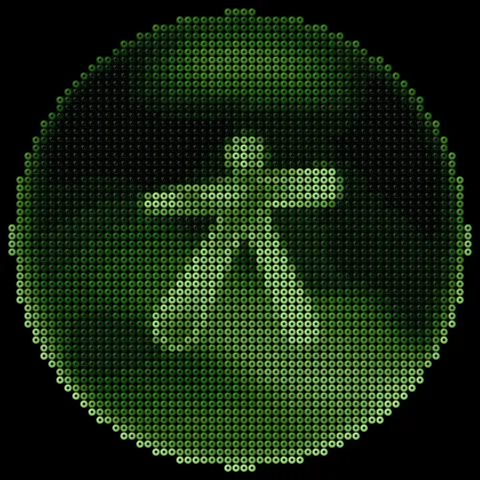
Build hama bead designs from your images: beads with volume, an adjustable hole and a colored pegboard.
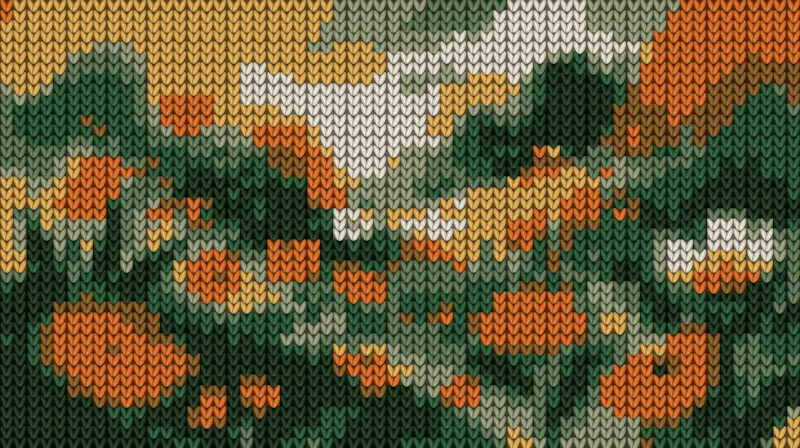
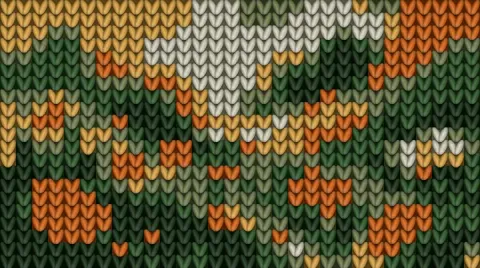
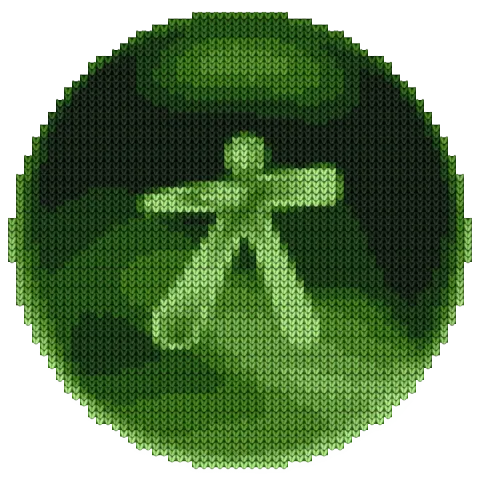
Turns your images into knitted fabric, with V-shaped stitches, relief and a palette of a few colors.
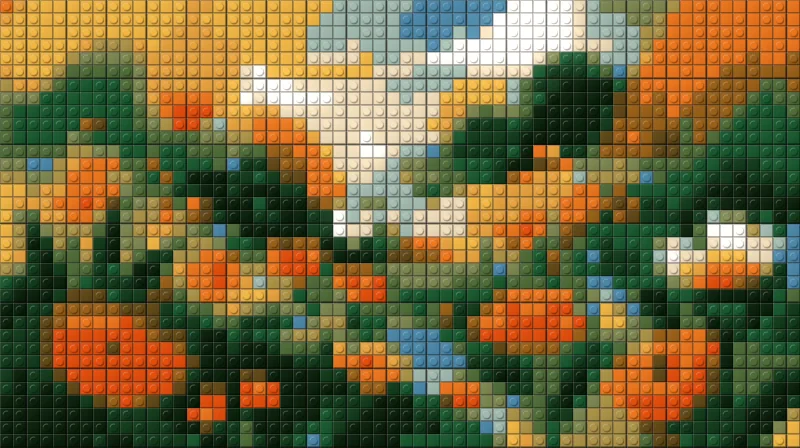
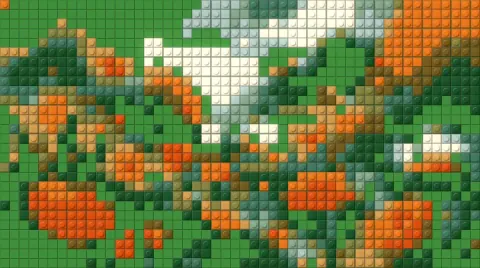
Turns your images into a mosaic of building bricks, with flat or studded pieces.
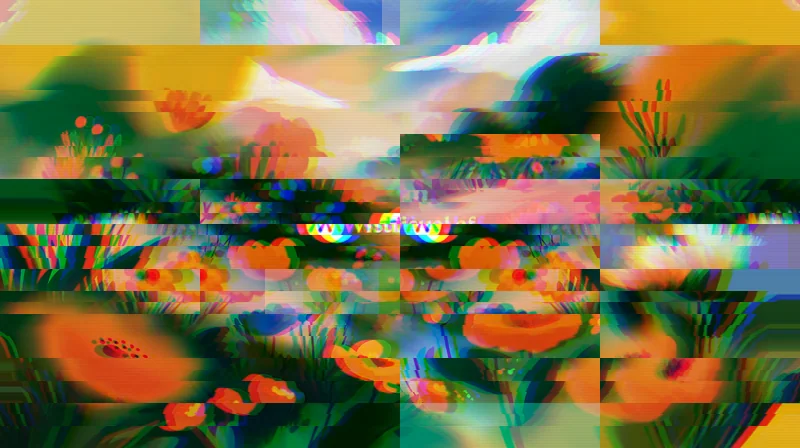
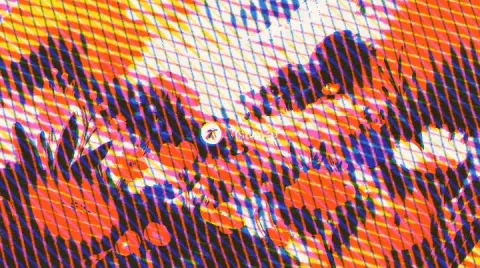
Your image broken like a corrupted signal: shifted bands, RGB split and color bars.
Affont
Draw each letter where you already design. Affont compiles it, installs it and lets you polish spacing, kerning and ligatures.
Filter Gallery with the CRT, ASCII, Dithering, Beads, Knit, Bricks, Glitch and Pixelate effects, and the Logo Grid script. The other 89 effects in Filter Gallery need a USD $12 license, and Affont costs $24.
They are in Filter Gallery now, free, in a single window with a live preview. If you downloaded the scripts before, you can still download them again from your account.
Not for Filter Gallery. Logo Grid is downloaded with a free Visual.af account, which you create with Google in two clicks.
Affinity 3 for Filter Gallery, and Affinity 3.3 or later for Logo Grid and Affont. They all work on Windows and macOS.
No. Everything runs on your computer. Filter Gallery and Affont only go online to activate the license and check for updates.