
 For Affinity
Automatic Color Codes
Select a design in Affinity and the script lays out a swatch for every color with its codes: HEX, RGB, CMYK and seven more formats.
Free, with your Visual.af account.Your Visual.af account takes two clicks with Google.
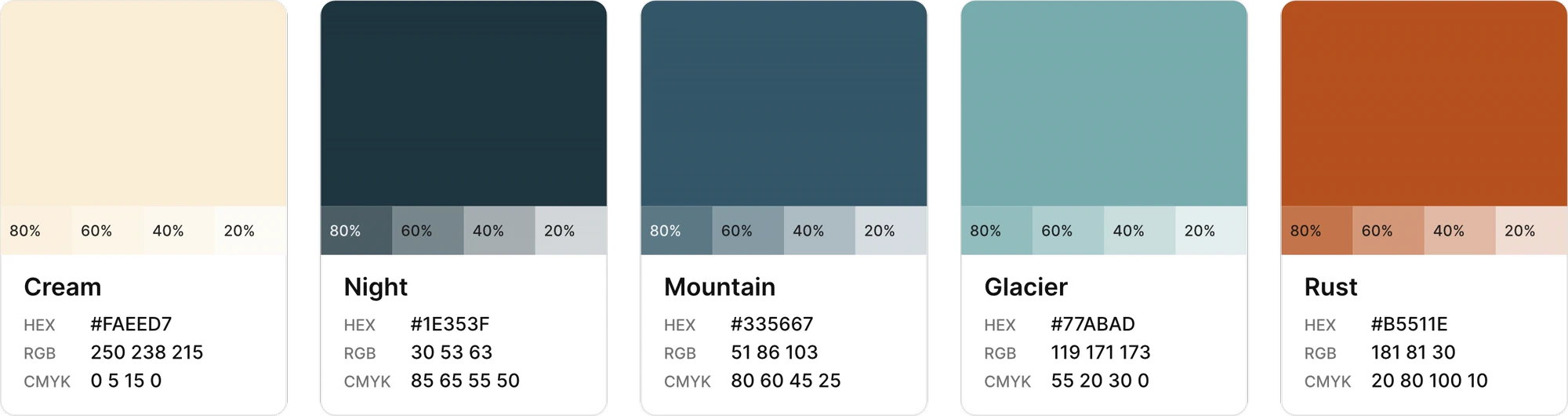
From selection to palette in three steps
- 01
Select your vector design
Shapes, curves, text or groups. The script reads fills, strokes and the color of every letter.
- 02
Run the script
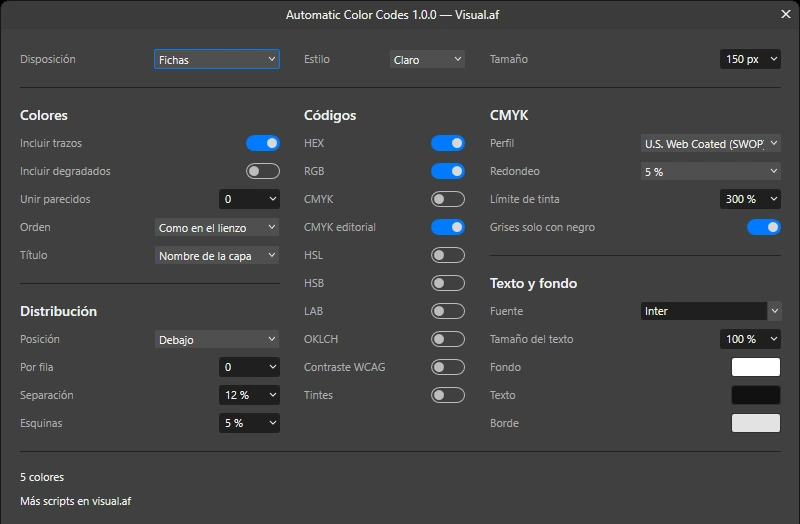
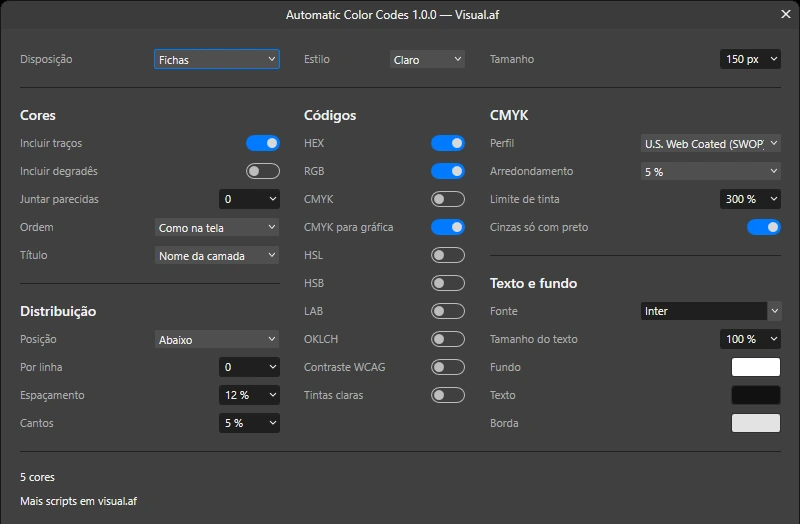
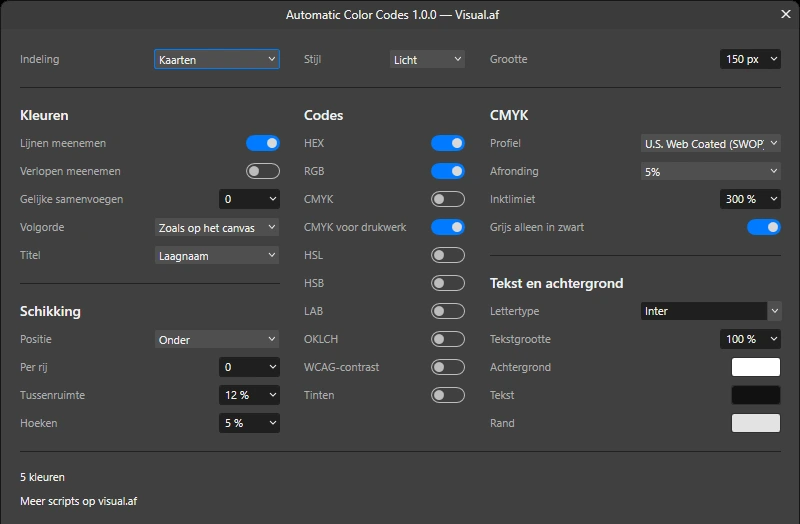
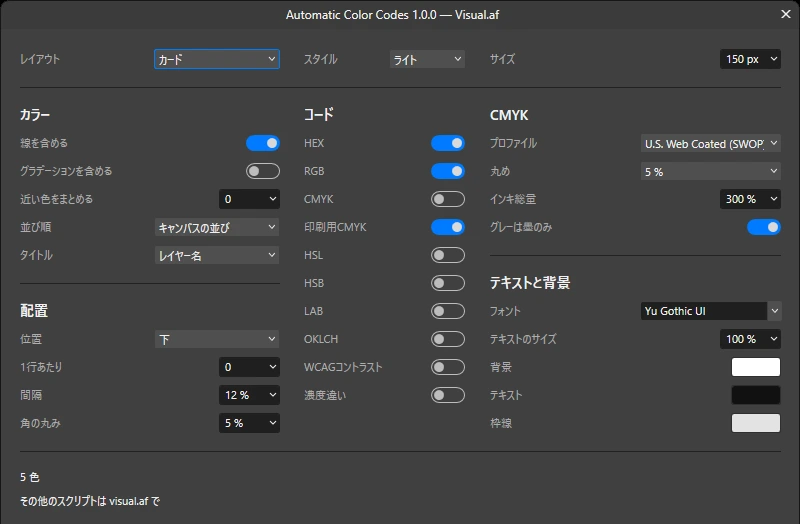
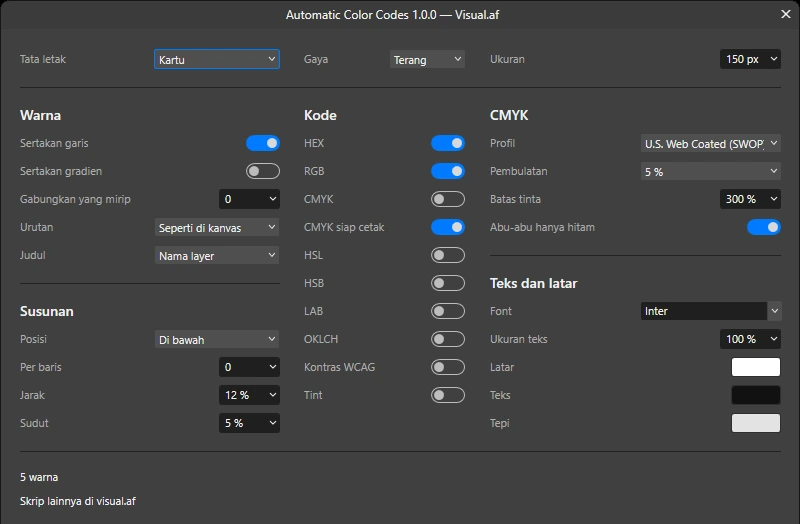
You pick the layout and the codes while the result shows on the canvas. The dialog comes in six languages.
- 03
Your palette appears where you choose
Below, above or beside the design, with one card per color, its layer name and its codes. Your design stays untouched.


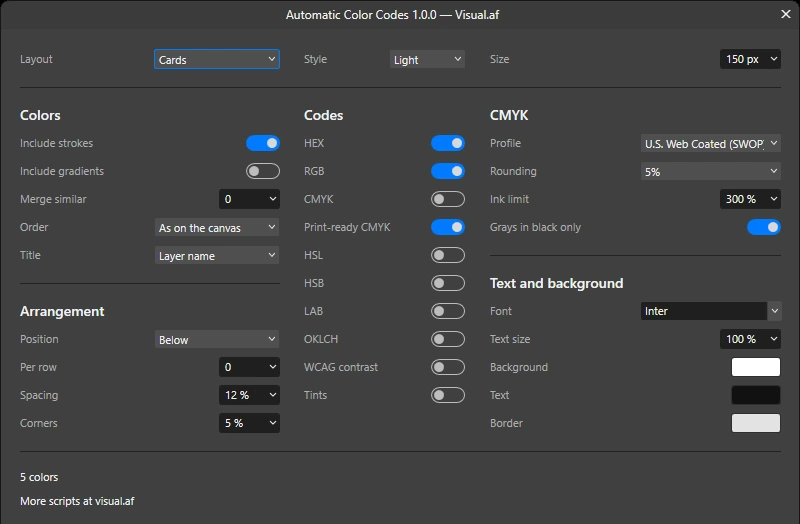
Five ways to lay out the swatches
Cards, columns, circles, a list or tags linked to each object.
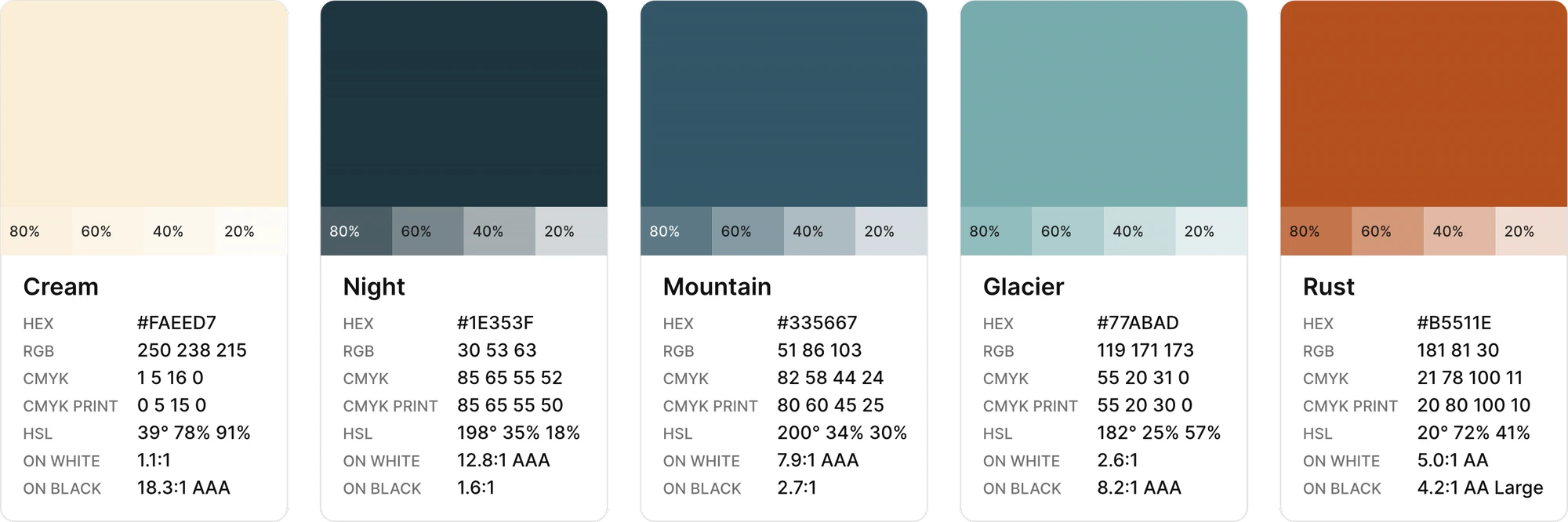
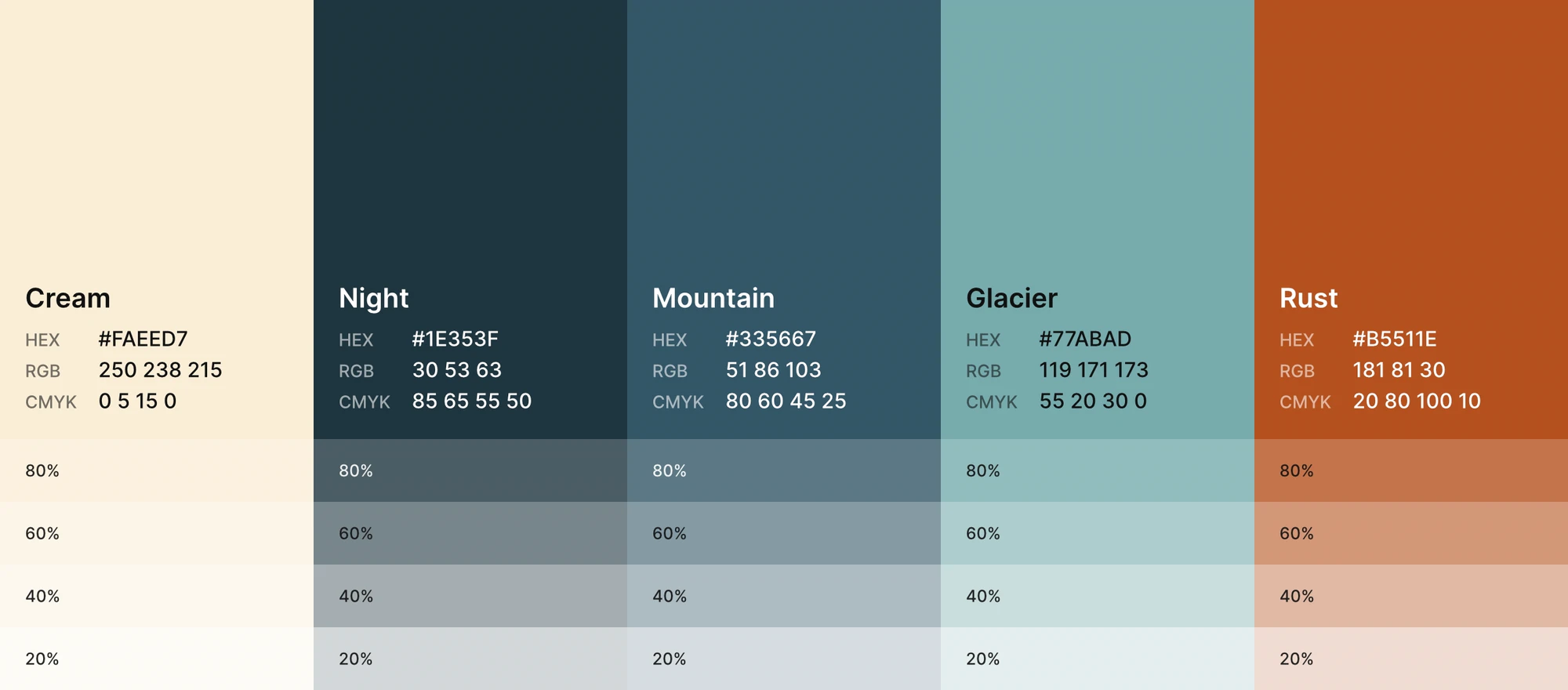
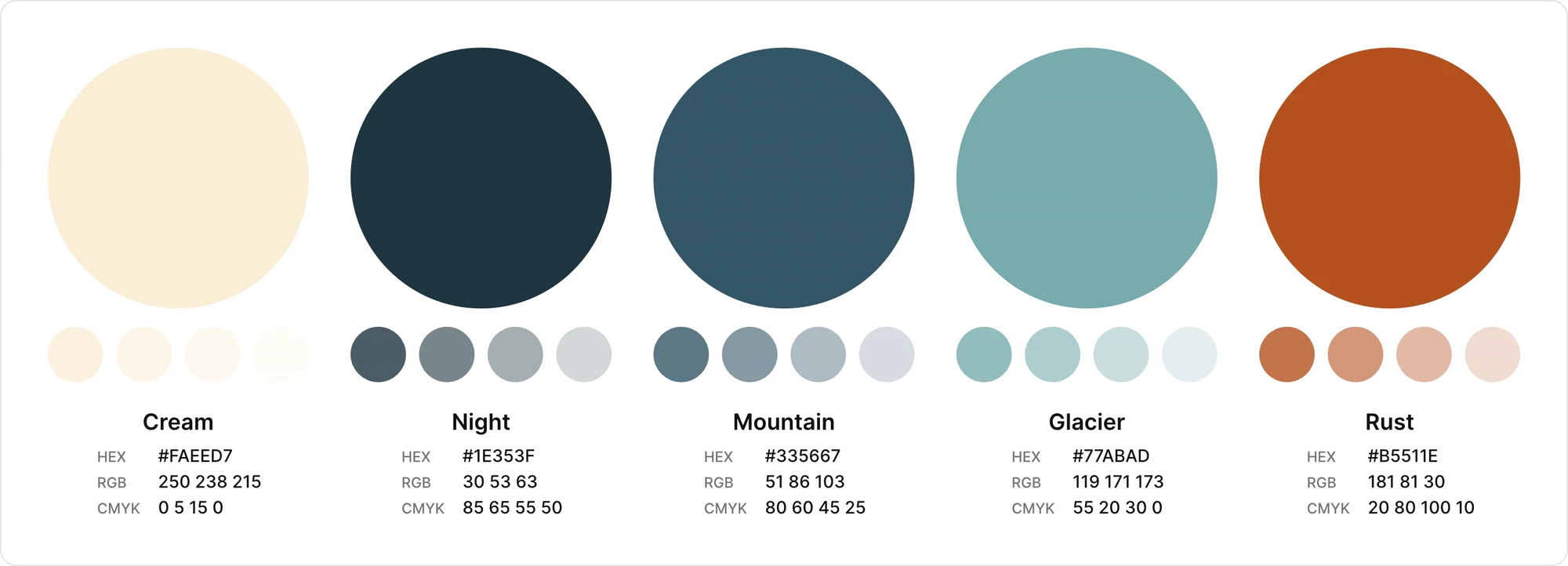
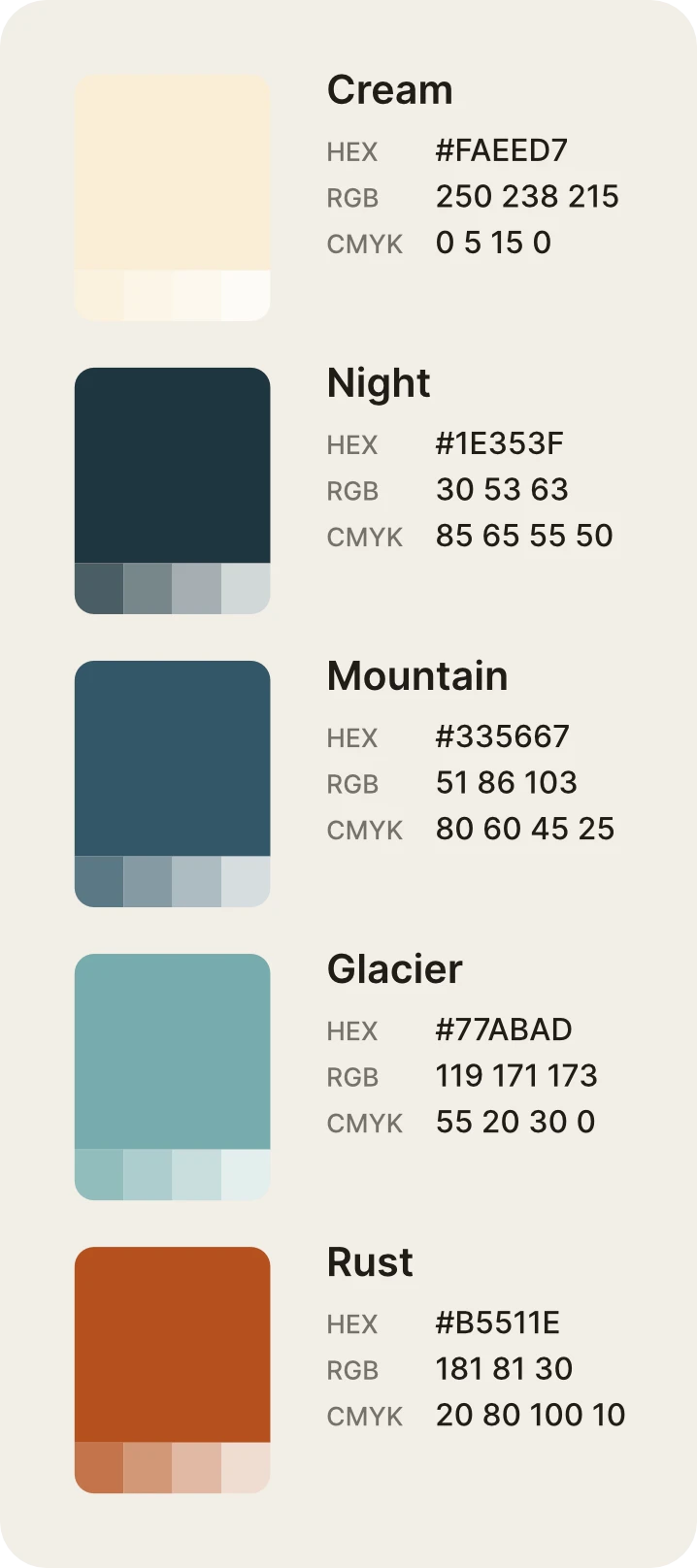
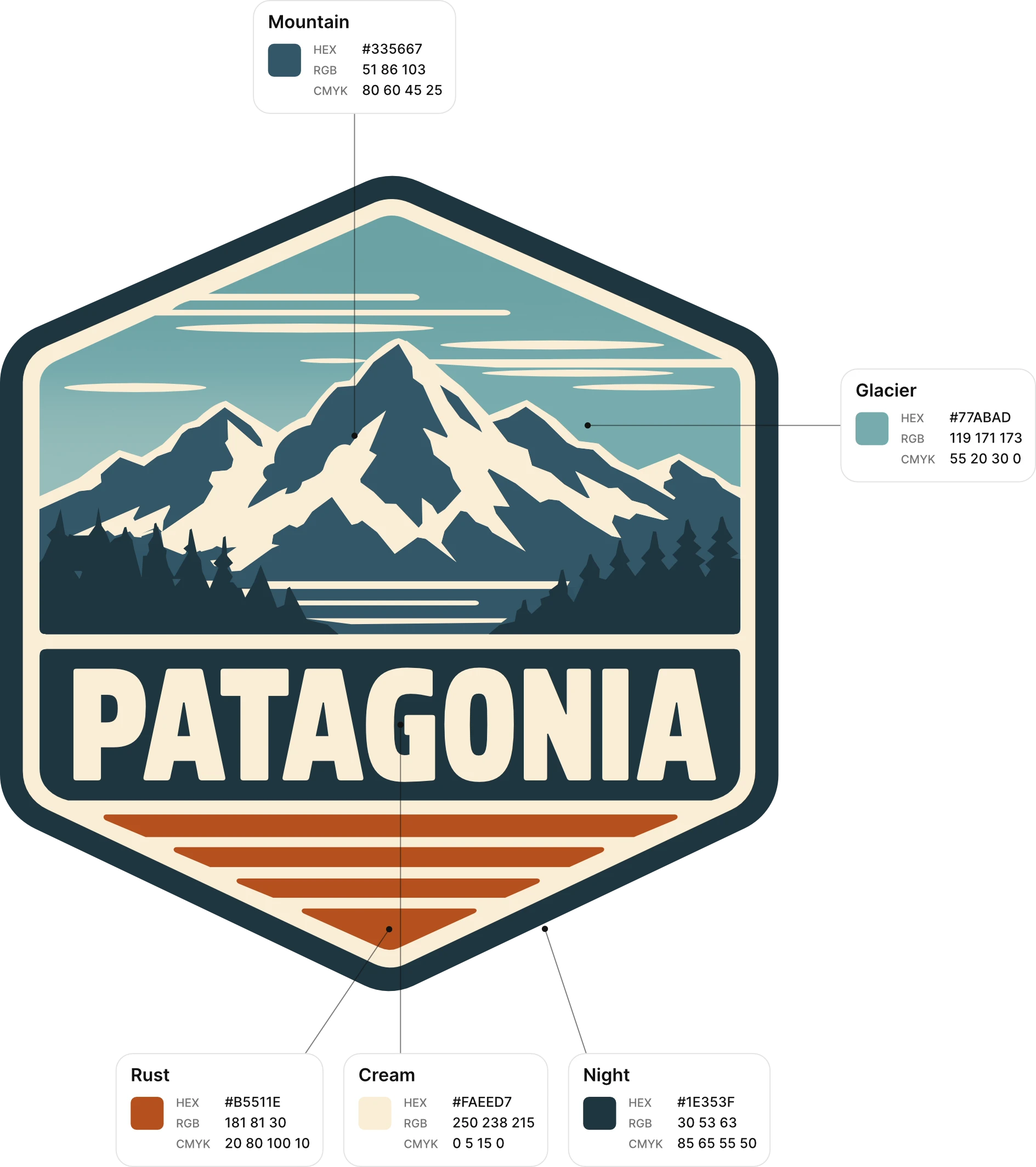
The swatch on top and the codes below, like the chips of a color guide. Tints can go under the color.
Gradients join the palette stop by stop
With “Include gradients” on, every stop joins the palette with its codes, like any other color.
CMYK in round numbers
A straight conversion leaves values like 21, 78, 100, 11, and the print-ready CMYK rounds them to steps of 5 within the ink limit. It is a separate option: the regular CMYK is still there, and you can show one, the other or both.
Profile conversion
21, 78, 100, 11
Print-ready CMYK
20, 80, 100, 10
Rust · #B5511E
1, 5, 16, 0
0, 5, 15, 0
Cream · #FAEED7
- Steps of 5Each ink is rounded to the nearest 5, or to 1 or 10 if you prefer.
- No stray inkAnything under 5 is dropped.
- Ink limitThe total stays under 300%. Cyan, magenta and yellow come down; black stays.
- Grays in blackGrays and black print with the black ink only.
What else it does
Reads the color of every letter
Even when one text has several colors. The text stays editable.
Merges similar colors
An illustration with hundreds of shades comes down to the ones you can tell apart at a glance.
WCAG contrast
On white and on black, with the level it reaches.
Tints
At 80, 60, 40 and 20%. On a CMYK color the inks are scaled down.
14 CMYK profiles
The document profile, the Affinity default or the one you choose.
Download it for free
For Affinity 3.3 or later, on Windows and macOS.
Free, with your Visual.af account.Your Visual.af account takes two clicks with Google.
Install
Installing takes a minute
You import it once into Affinity’s script library, then run it from the Scripts panel whenever you need a palette.
Download the script
Choose the dialog language, sign in with your Visual.af account and download Automatic Color Codes (.afscripts).
Import it into Affinity
Open Window › Scripting › Scripts Library and use Import Scripts… from the panel’s ▾ menu. Automatic Color Codes appears in the Visual.af category.
Select and run it
Select the shapes, curves, text or groups of your design and click Automatic Color Codes. The first time, Affinity asks you to confirm that you trust the script.
What it adds
An “Automatic Color Codes” group with one group per color. Your design isn’t changed, and three undo steps remove the palette.
Requirements
Affinity 3.3 or later, on Windows or macOS. The script doesn’t use the internet or touch your files: everything happens inside Affinity.
Frequently asked questions
How do I get the color codes of a design in Affinity?
Select the design and run Automatic Color Codes from the Scripts Library panel. It draws a swatch for every color with its HEX, RGB and CMYK codes, plus any other format you turn on in the dialog.
Which codes does it show?
HEX, RGB, CMYK with the profile you choose, print-ready CMYK, HSL, HSB, LAB, OKLCH, WCAG contrast on white and on black, and tints at 80, 60, 40 and 20%. You turn on the ones you need in the dialog.
What is print-ready CMYK?
It’s CMYK rounded the way it’s written in a brand guide: every ink in steps of 5, nothing left below that step, and the total within the ink limit. It’s a separate option; the converted CMYK is still available.
Does it work with CMYK documents?
Yes. A color defined in CMYK shows its values as they are, and its HEX and RGB are worked out with the profile you choose.
Does it read colors from a photo?
No. It reads fills, strokes, gradients and text on vector objects. Pixel layers are skipped.
Does it change my design?
No. It adds the palette where you choose, in its own group, and leaves your design as it was.
Is it really free?
Yes. You only need a free Visual.af account to download it.