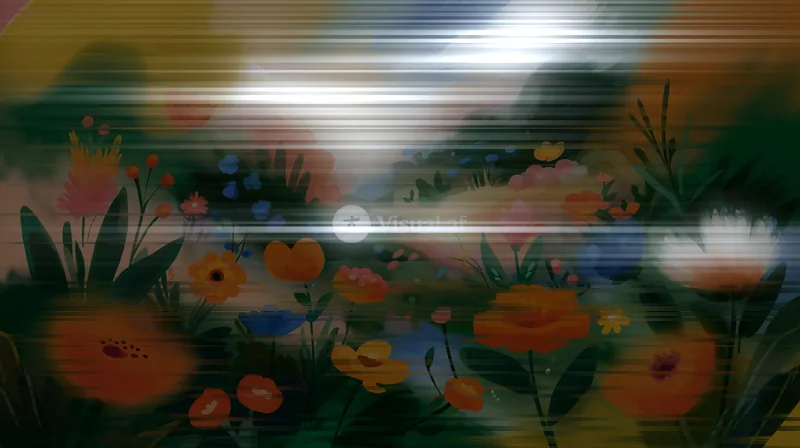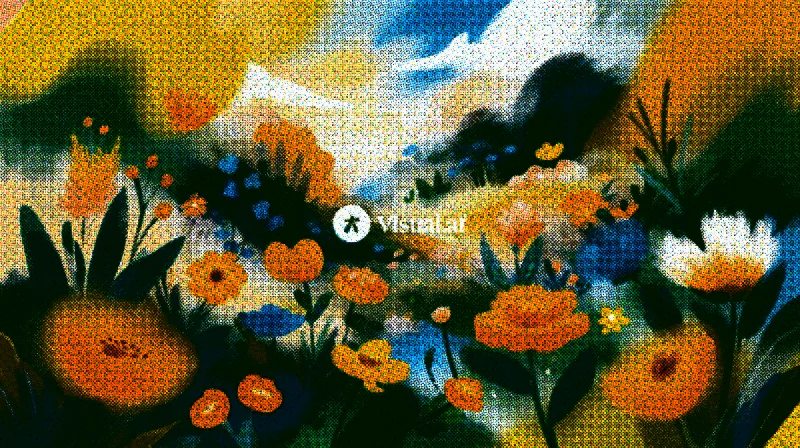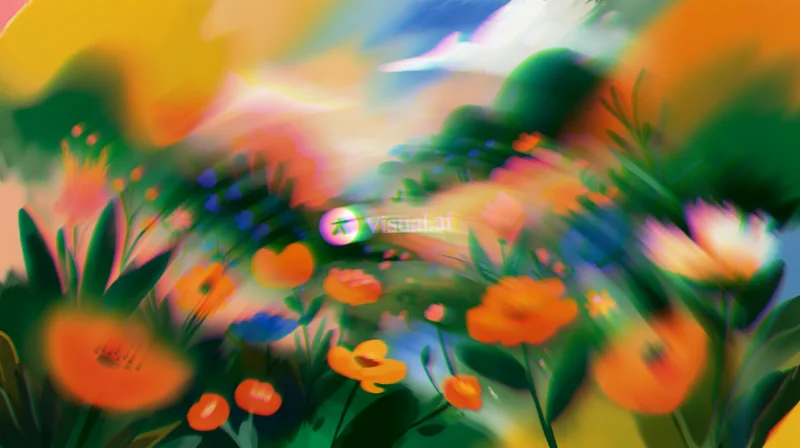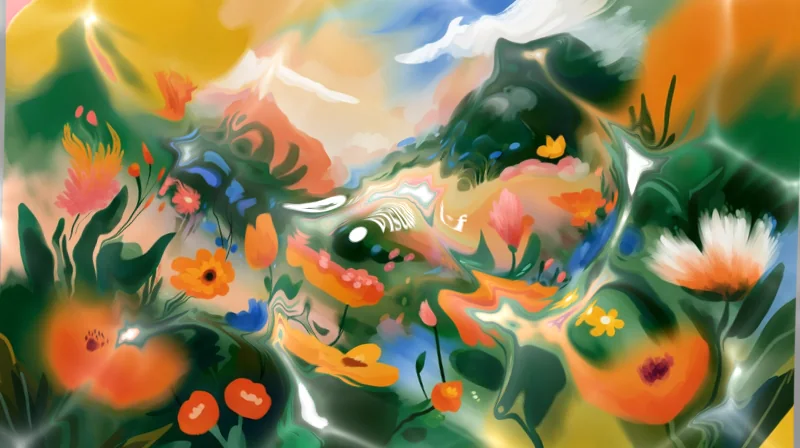


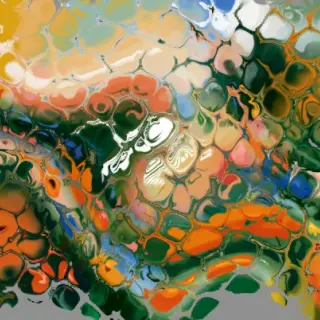

CRT
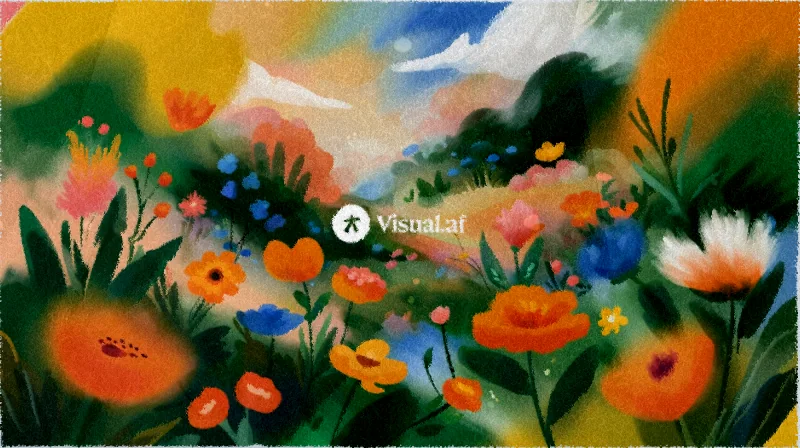
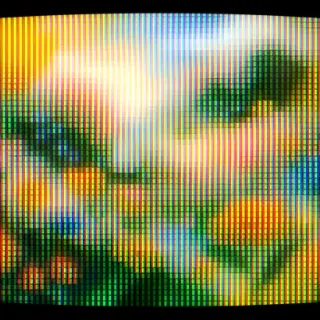
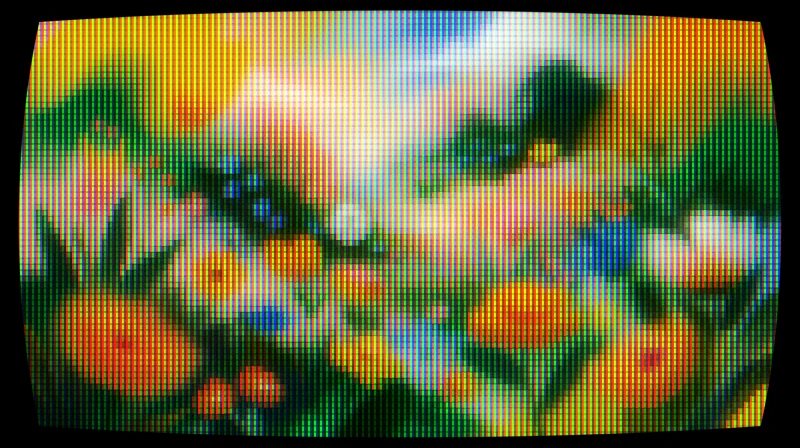
Turns any layer into a tube screen: curvature, RGB phosphors, scanlines and bloom.
 For Affinity
Filter Gallery adds 20 effects to Affinity in a single window, with a live preview on your layer. You pay once, USD $9, and they’re yours for good, with every update included. Four are free so you can start today.
Also for Windows · 2.1 MBAlso for Mac · 2.4 MB
Windows 10 and 11 · macOS · Affinity 3 · Version 0.3.0
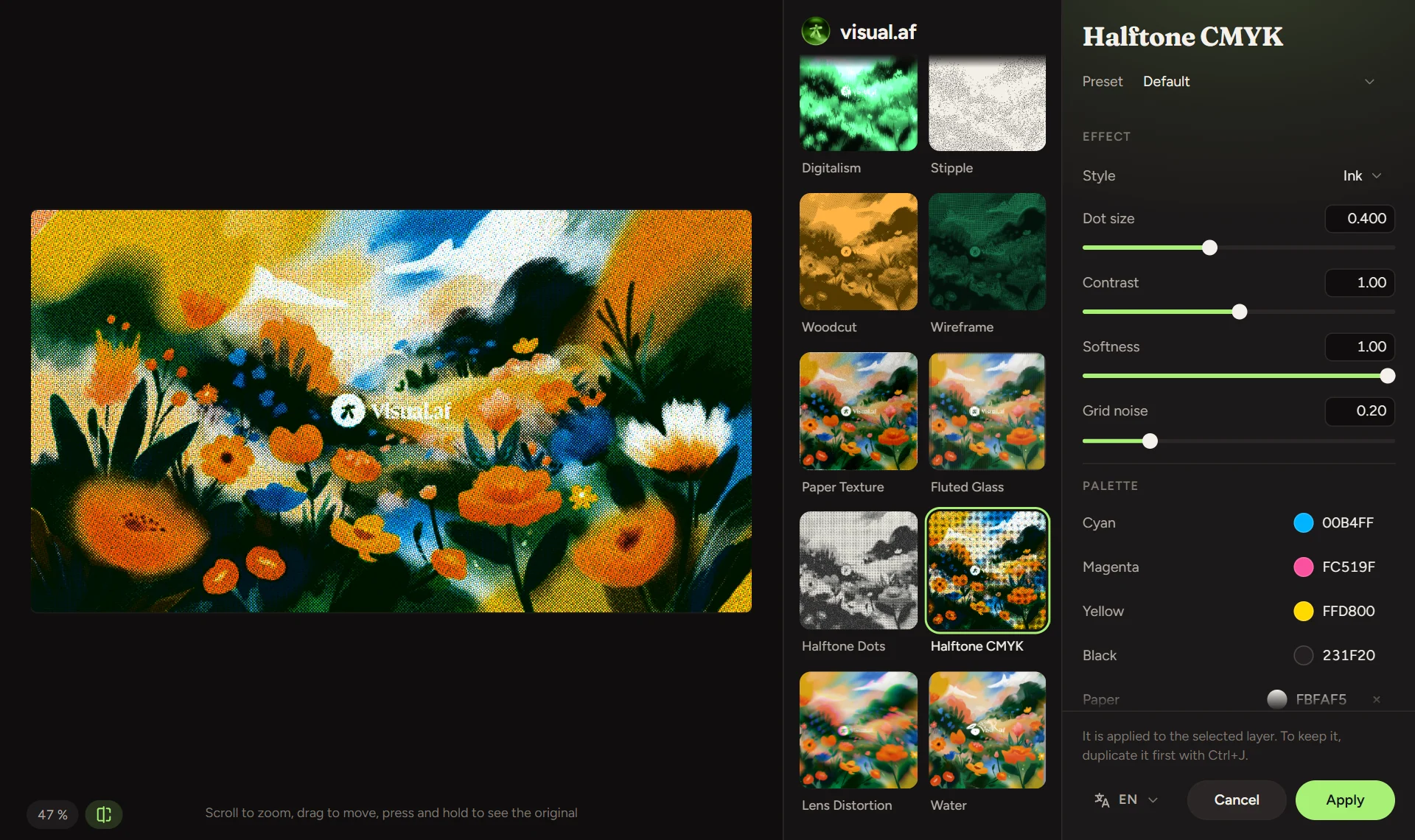
You see the result while you move each control. Scroll with the mouse wheel to zoom in and check the detail.
The gallery shows every effect applied to your image, so you pick one by looking at it.
Every effect comes with its own presets, and the window remembers your changes for next time.
The window is available in English, Spanish, Portuguese, Japanese and Indonesian.
When a new version comes out, the window lets you know and updates with one click.
The effects run on your computer. It only goes online to activate the license and check for updates.
Each effect has its own page with its presets and what every control does. The four free ones work without a license.
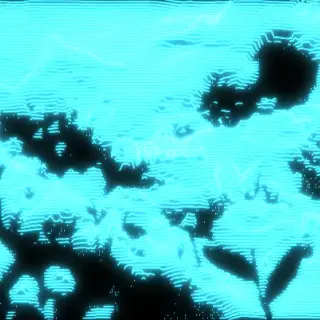
Turns any layer into a tube screen: curvature, RGB phosphors, scanlines and bloom.
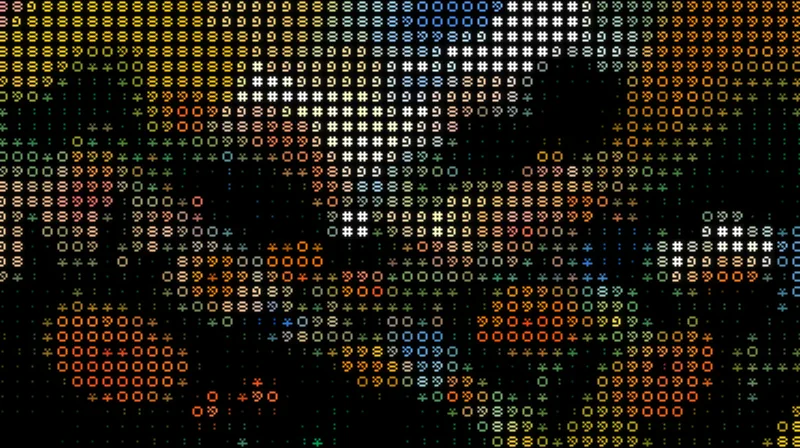
Turns your images into art made of characters, in their original colors or a single ink, with a transparent background.
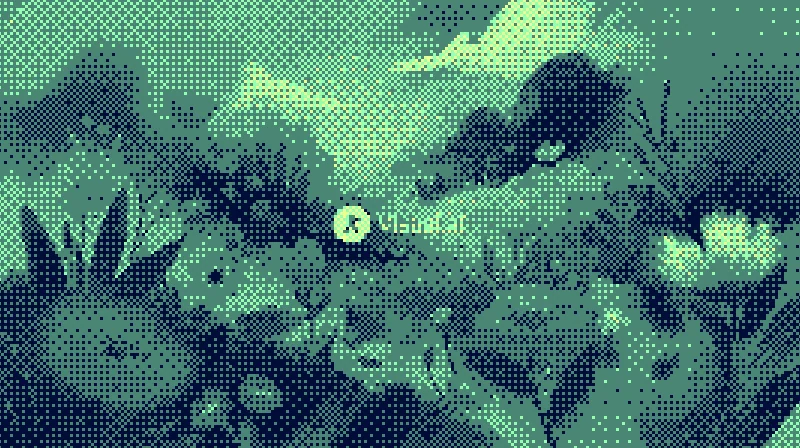
Dithers your images with Bayer matrices or random noise, in the original colors or your own palette.
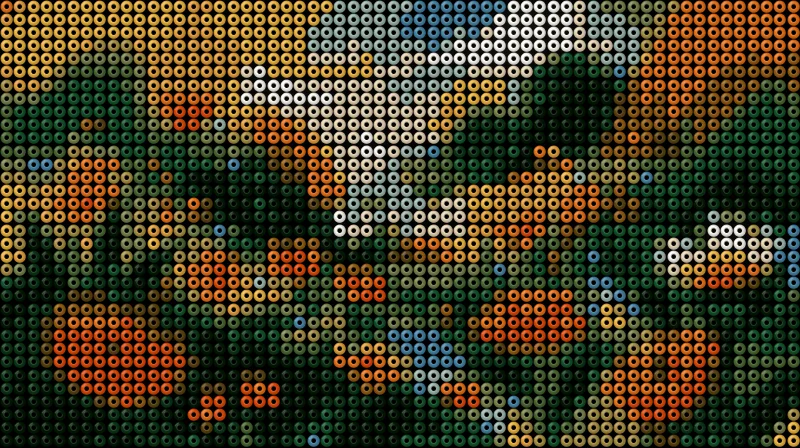
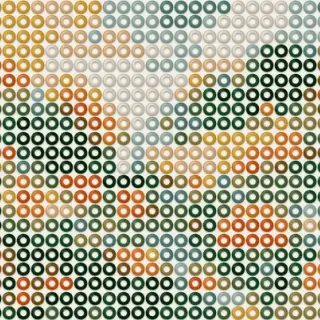
Build hama bead designs from your images: beads with volume, an adjustable hole and a colored pegboard.
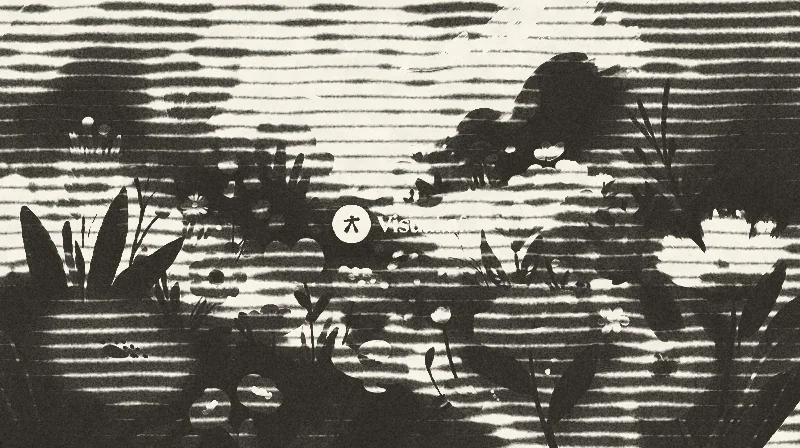
Lines of ink that bleed into the paper, with 1 to 3 inks, overprint and misregistration.
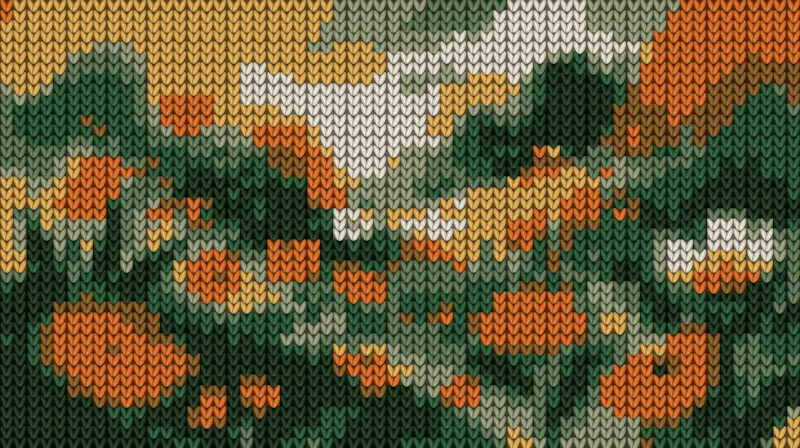
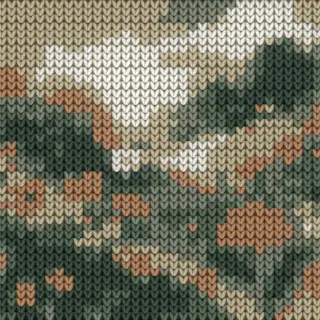
Turns your images into knitted fabric, with V-shaped stitches, relief and a palette of a few colors.
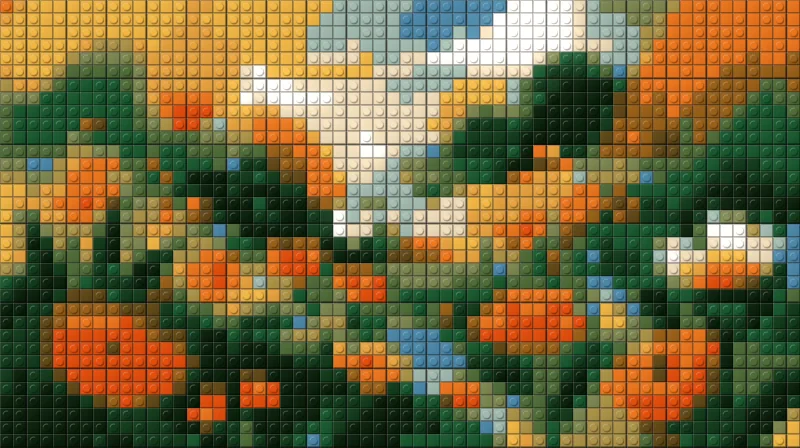
Turns your images into a mosaic of building bricks, with flat or studded pieces.
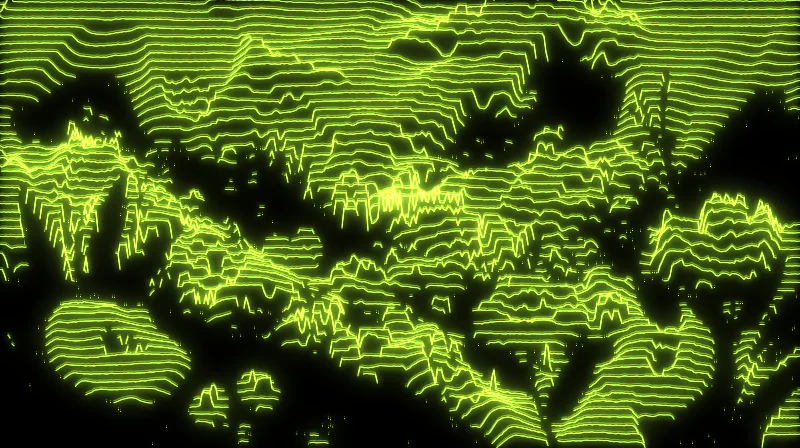
Turns your images into a hologram of lines that rise with brightness, with glow and interference.
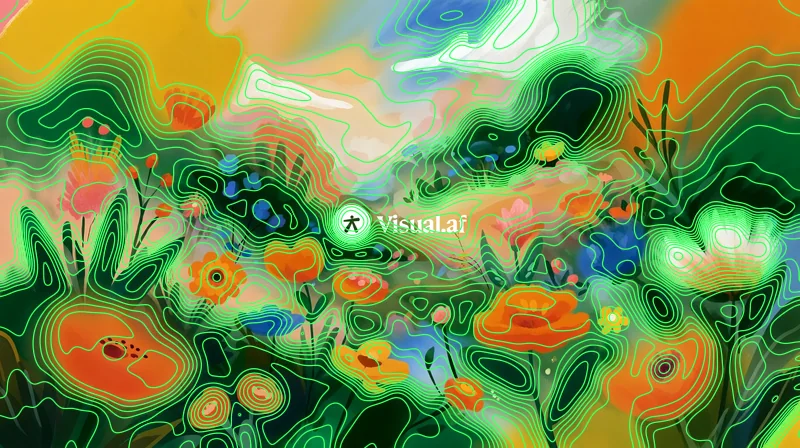
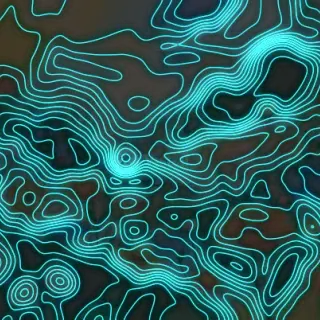
Contour lines over your image, like a topographic map of its brightness.
Glow, horizontal light streaks and dragged bands over the brightest parts of your image.
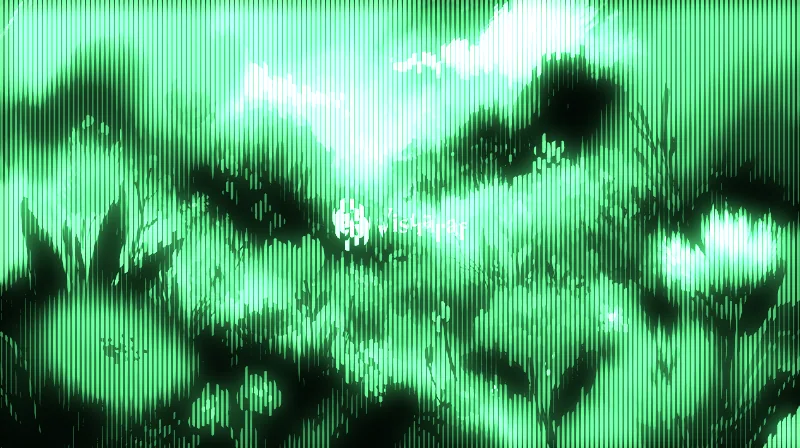
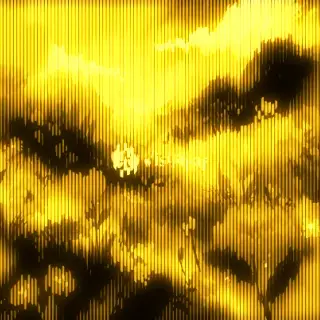
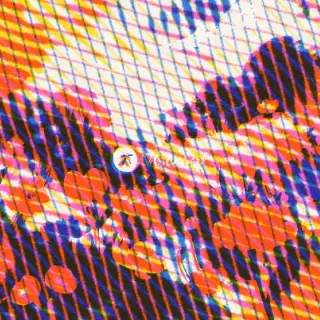
A phosphor screen of vertical lines that thicken with brightness, with glow.
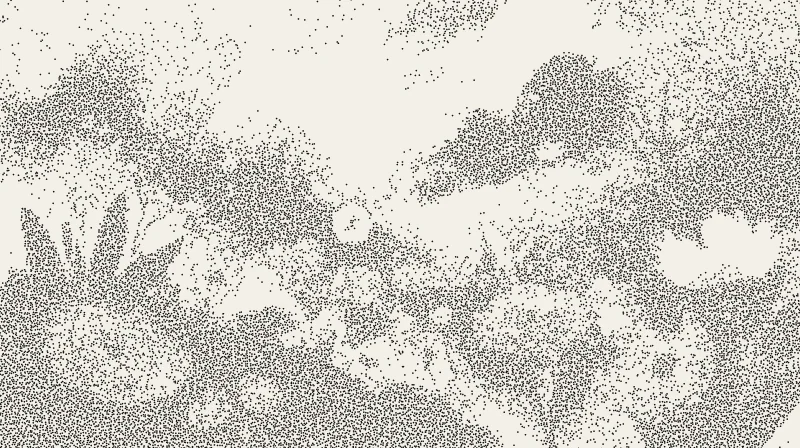
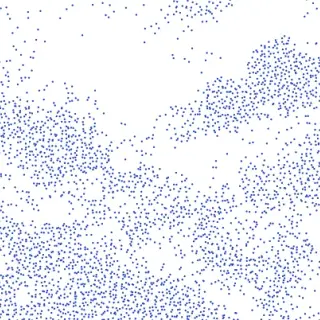
Your image drawn with loose ink dots, closer together in the shadows.
Your image carved in wood: solid ink, parallel strokes and cross-hatching.
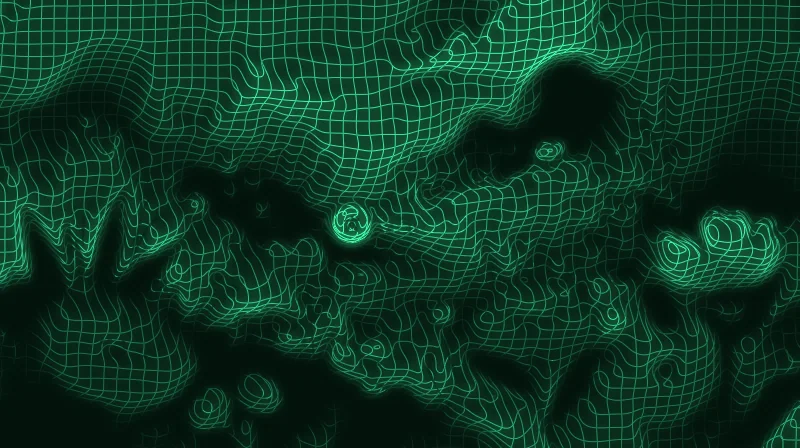
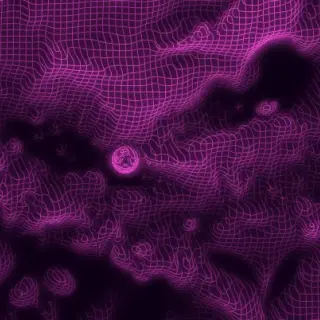
A glowing wire mesh that bends with the brightness of your image.
Fibers, crumples and folds of paper over your image.
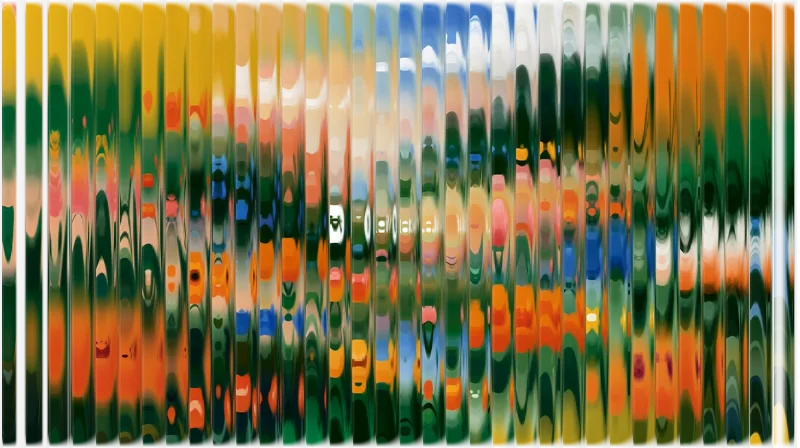
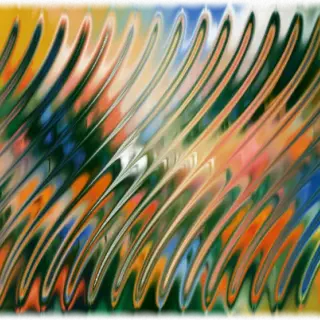
Your image seen through ribbed glass.
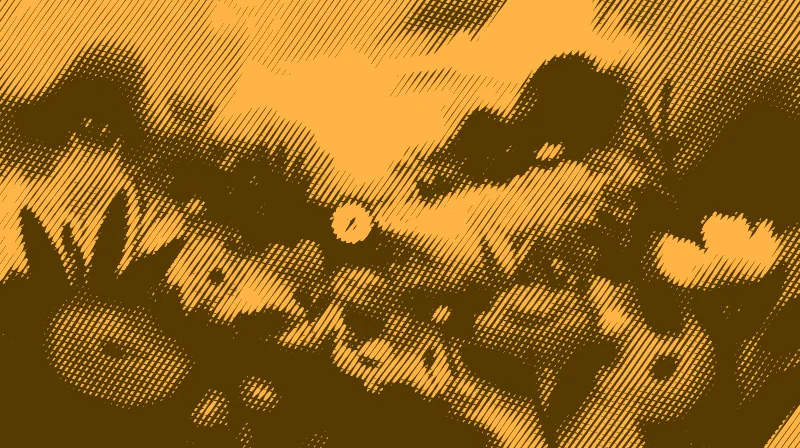
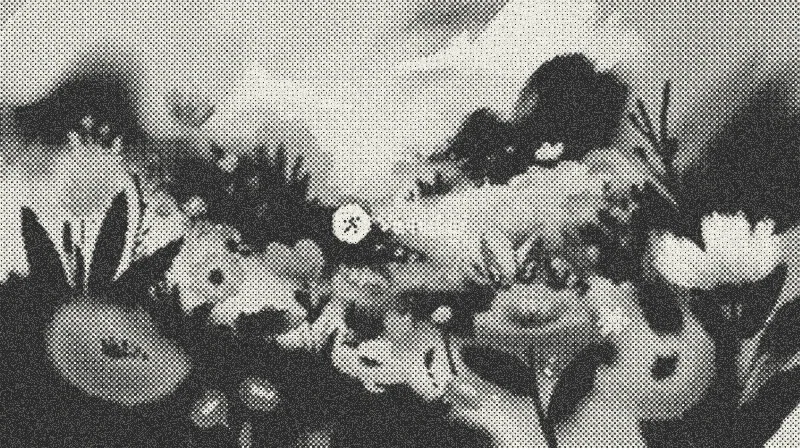
A grid of dots that grow with the shadows, like a printed photo.
Your image printed in four inks, with dots of cyan, magenta, yellow and black.
Your image through a lens that bends it, with the colors split at the edges.
Your image under water, with waves and caustic light.
We keep adding effects, and if you already have a license you get them for free.
Price
The plugin is free. The license costs USD $9 and you pay it once.
| Filter Gallery | Free | License |
|---|---|---|
| Effects you can apply | CRT, ASCII, Dithering and Beads | All 20 |
| Price | USD $0 | USD $9, one-time payment |
| Computers | As many as you want | Up to 3 |
| Updates | Included | Included |
You get the key by email after your purchase. In the window, pick a locked effect, click “Unlock” and paste it.
Installation
The installer copies the plugin into the Affinity plugins folder and turns on the setting Affinity needs to load it.
Download FilterGallery-Setup.exe. It doesn’t need administrator permissions.
Click “OK”: it copies Filter Gallery into Affinity and turns on “Allow "Unknown" plugins to be used”, which Affinity needs. If Windows shows “Windows protected your PC”, click “More info” and then “Run anyway”.
Choose Filters › Plugins › Visual.af › Filter Gallery with a pixel layer selected. The effect is applied to that layer, so duplicate it first with Ctrl+J if you want to keep it.
Download FilterGallery-Setup.pkg. It doesn’t need administrator permissions.
Click “Continue” and then “Install”. It copies Filter Gallery into Affinity and turns on “Allow "Unknown" plugins to be used”, which Affinity on Mac needs.
Select a pixel layer and choose Pixel › Filters › Plugins › Visual.af › Filter Gallery. The effect is applied to that layer, so duplicate it first with ⌘J if you want to keep it.
Yes. Download the Mac installer (FilterGallery-Setup.pkg): it works with Affinity 3 on Macs with Apple Silicon or Intel. The installer is signed and notarized by Apple, so it opens without warnings.
It can happen. Because Filter Gallery is new, Windows SmartScreen doesn’t know the installer yet and may show “Windows protected your PC”. It is 100% safe: click “More info” and then “Run anyway”.
Go to Settings › Photoshop Plugins, turn on “Allow "Unknown" plugins to be used” and restart Affinity. Also select a pixel layer before you open the Plugins menu: the filter only works on a selected pixel layer.
Affinity 3, on Windows 10 or 11 or on a Mac.
Like every filter in Affinity, it works on pixel layers. To apply an effect to text, vectors or a group, duplicate it and turn the copy into pixels first (rasterize it).
No. Like every filter in Affinity, the effect is applied to the selected layer. Duplicate it first with Ctrl+J (⌘J on a Mac) if you want to keep the original, or undo with Ctrl+Z (⌘Z).
On three. If you change computers, you can free one up from the window itself with your purchase email.
Only to activate the license and check for updates. The effects are calculated on your computer and your images never leave it. Offline, the license keeps working for 14 days.
When there’s a new version, the window shows a notice with an “Update” button. Affinity uses the new version the next time it starts.
It’s free and comes with four effects ready to use.