 visual.af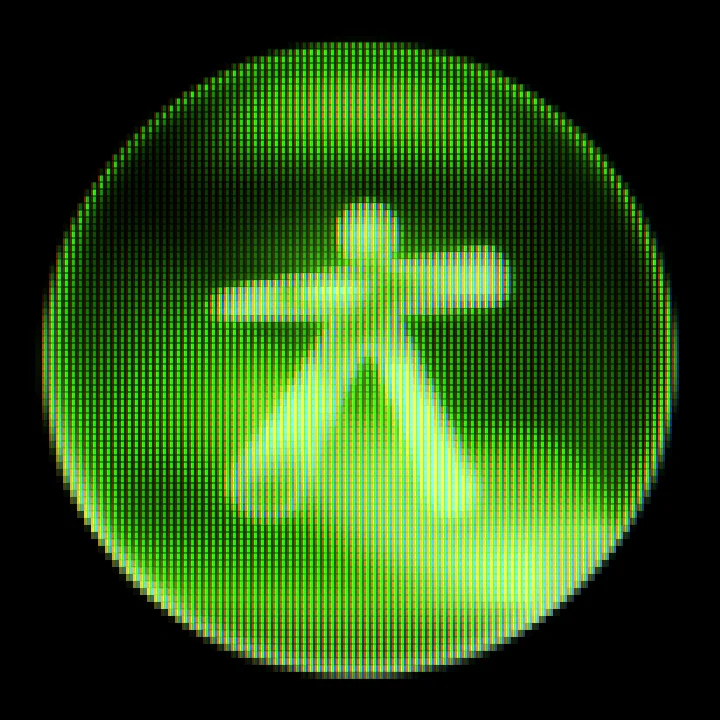
CRT for Affinity
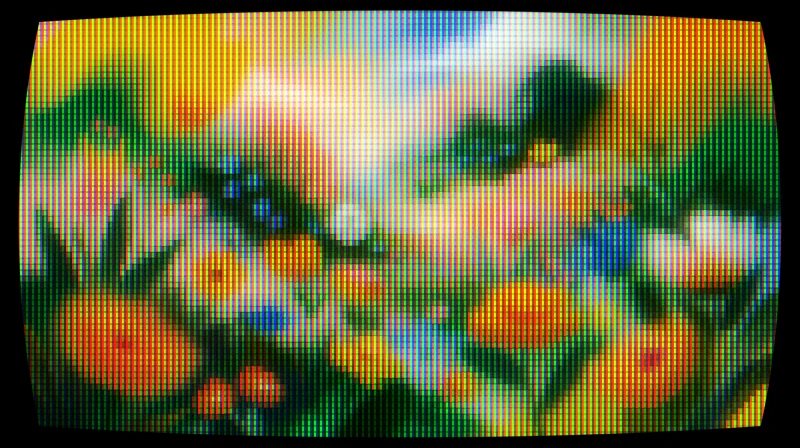
Turns any layer into a tube screen: curvature, RGB phosphors, scanlines and bloom.
Effects that run inside Affinity 3.3, with their own panel and live preview. Free.
Free · Affinity 3.3+ · Windows and macOS
Scripts
Select a layer, tweak it with live preview, and the result lands as a new layer above the original.
Turns any layer into a tube screen: curvature, RGB phosphors, scanlines and bloom.
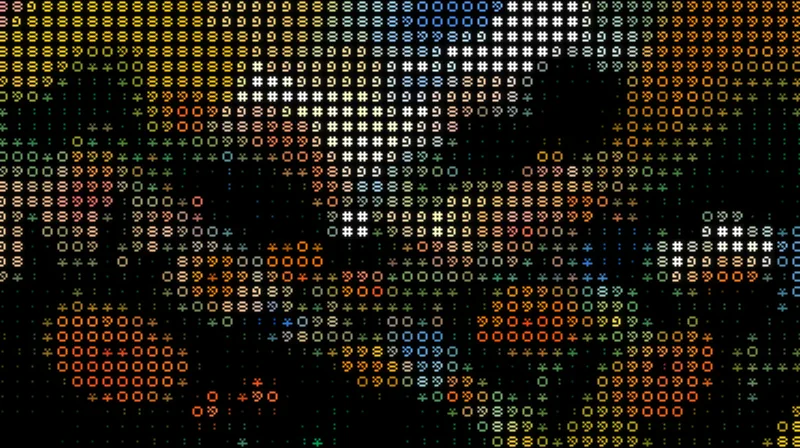
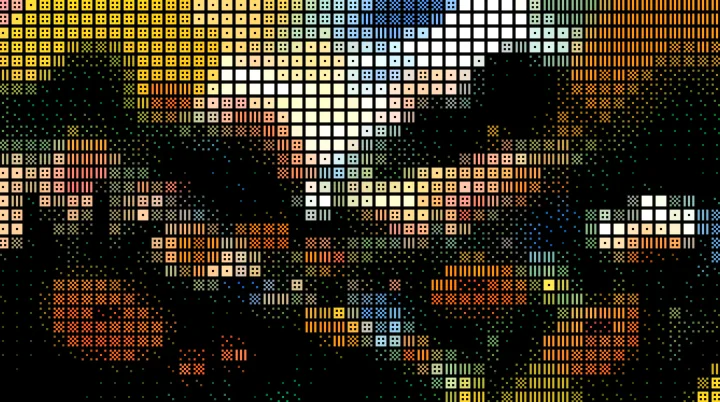
Turns your images into art made of characters, in their original colors or a single ink, with a transparent background.
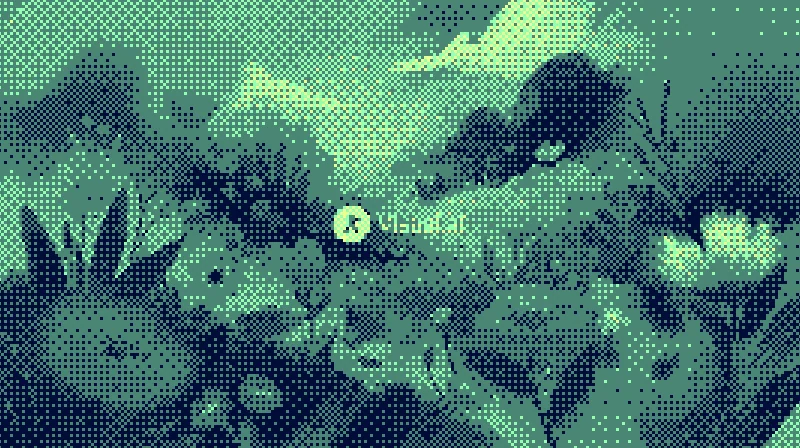
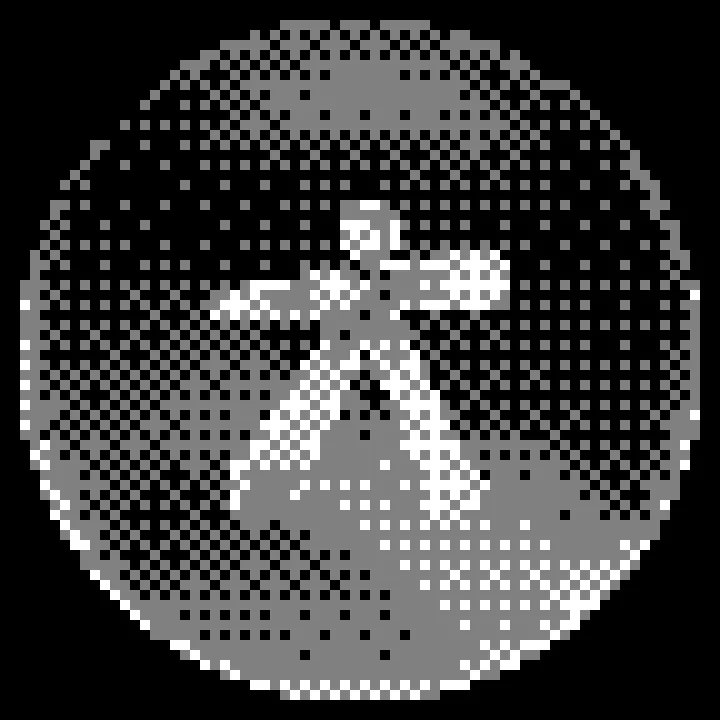
Dithers your images with Bayer matrices or random noise, in the original colors or your own palette.
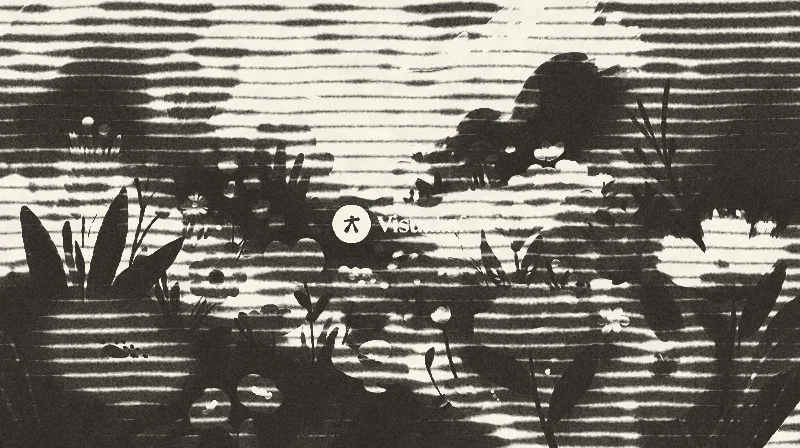
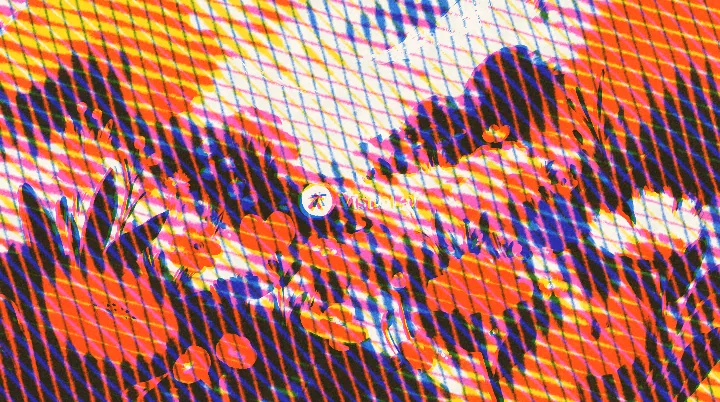
Lines of ink that bleed into the paper, with 1 to 3 inks, overprint and misregistration.
No exporting, no round trip through another app. The effect lives where you design.
Each script opens its own Affinity panel, with presets, sliders and color pickers.
The result shows up on the canvas while you move every control.
The effect is added as a new layer right above the original. Your layer stays untouched and it undoes in one step.
No internet, no access to your files. All the processing happens inside Affinity.
Every script comes in English, Spanish, Portuguese, Japanese and Indonesian.
No payments or subscriptions: with your account, download and import.
Install
Scripts are imported once into Affinity’s library and stay there for good, one click away.
Pick the dialog language, sign in with your account and download the .afscripts file.
Open Window › Scripting › Scripts Library. In the panel’s ▾ menu, choose Import Scripts… and select the file.
Click the script inside the Visual.af category. The first time, Affinity asks you to confirm that you trust it.
To keep it in the same category, download the .afscript and import it from the Visual.af category’s ≡ menu with Import Script…. If you import another .afscripts, Affinity creates “Visual.af 2”: drag the script into the first one and delete the second.
Affinity 3.3 or later, on Windows or macOS. The scripts don’t use the internet or touch your files: everything happens inside Affinity.
Yes. No payments or subscriptions: you only need a Visual.af account, which you create with Google.
To keep your scripts at hand: from your profile you can download them again whenever you want, in any language. You create it with Google in two clicks, and it’s free.
Affinity 3.3 or later. They work on Windows and macOS.
Open Window › Scripting › Scripts Library, choose Import Scripts… from the panel’s ▾ menu and select the .afscripts file you downloaded. The script lands in the Visual.af category.
No. The effect is added as a new image layer above the original, which isn’t modified. Everything undoes in a single step.
No. The scripts are imported without network or file permissions, and all the processing happens inside Affinity.
Each script’s dialog is available in English, Spanish, Portuguese, Japanese and Indonesian. You choose the language when you download it.
Download the scripts for free and use them today.