 visual.af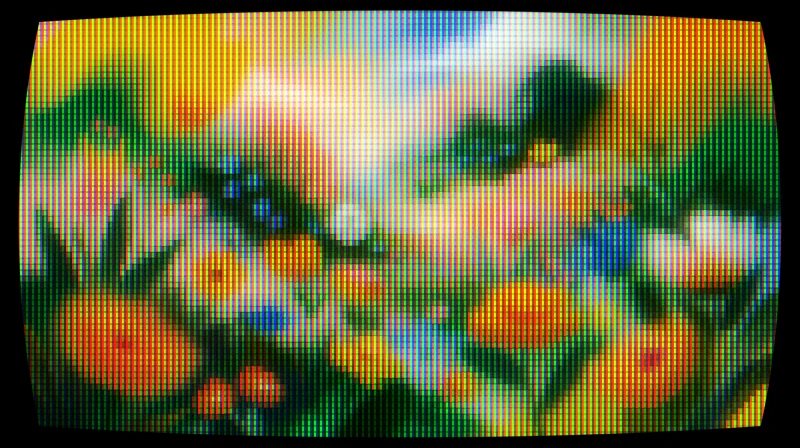
CRT for Affinity
Turns any layer into a tube screen: curvature, RGB phosphors, scanlines and bloom.
The dot patterns of old screens and printers, on any layer: Bayer matrices or random noise, 1 to 7 color steps, in the original colors or an ink, highlight and background palette.
Free, with your Visual.af account.Your Visual.af account takes two clicks with Google.
Already have the Visual.af category? Download the .afscript and import it from that category’s ≡ menu.
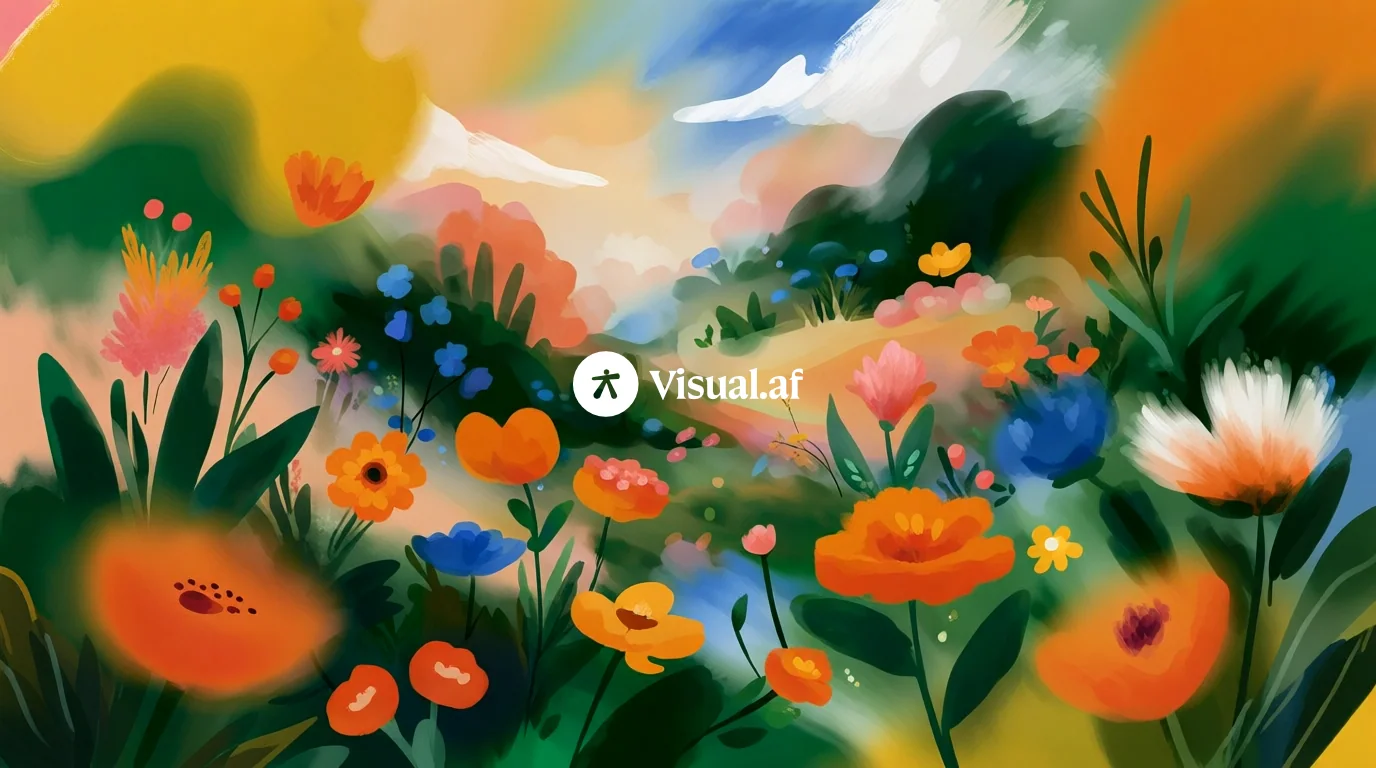
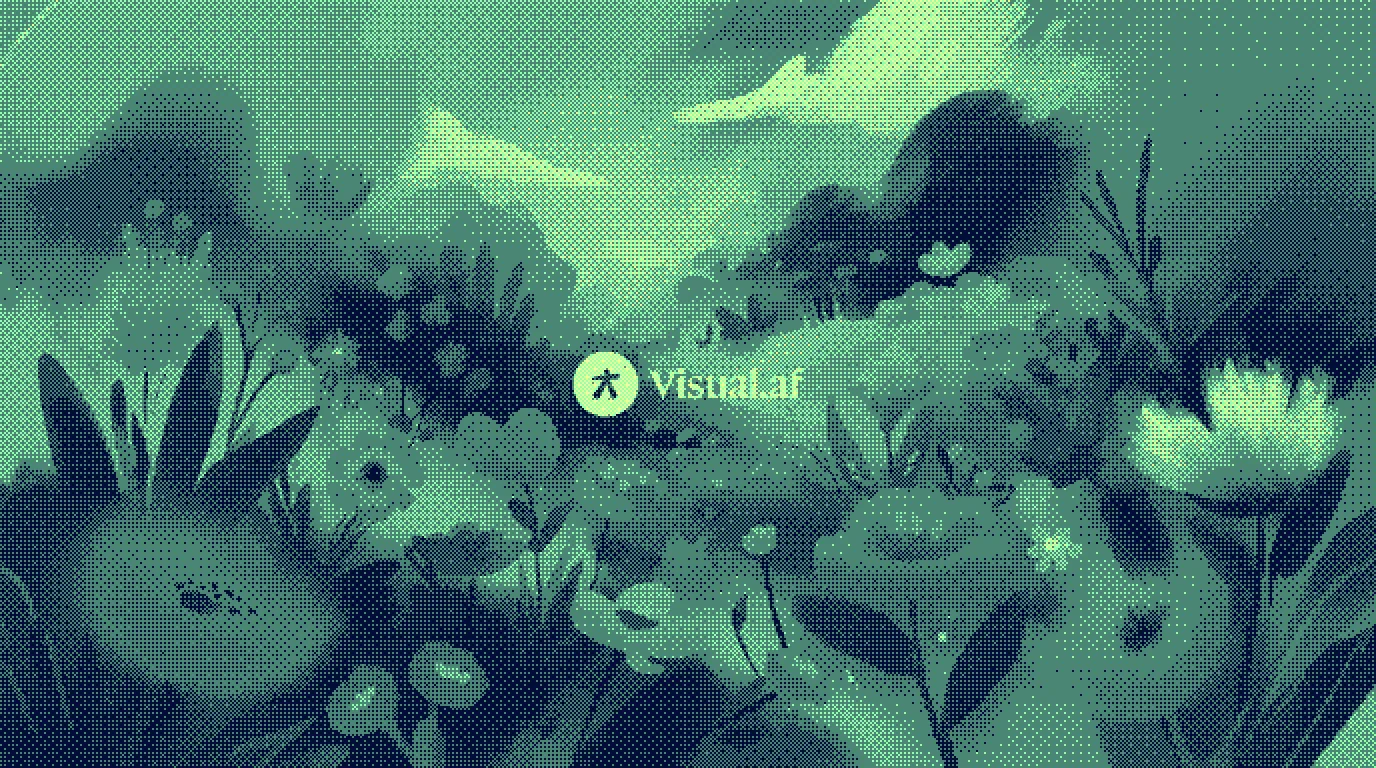 BeforeAfter
Pick one in the dialog and tweak from there. Every control can still be adjusted.
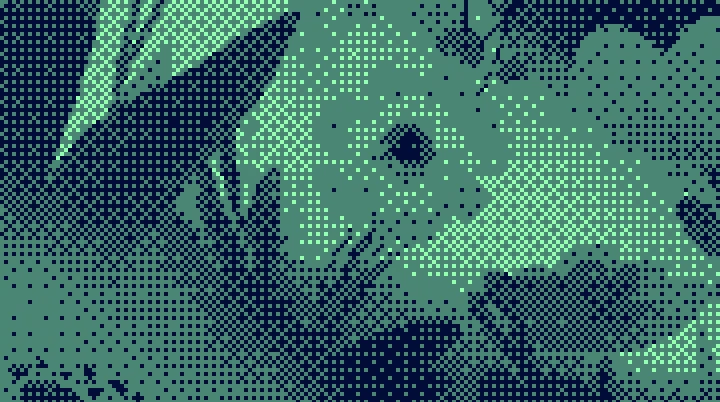
Two-step Bayer 8×8: mint green on midnight blue, with a lime highlight.
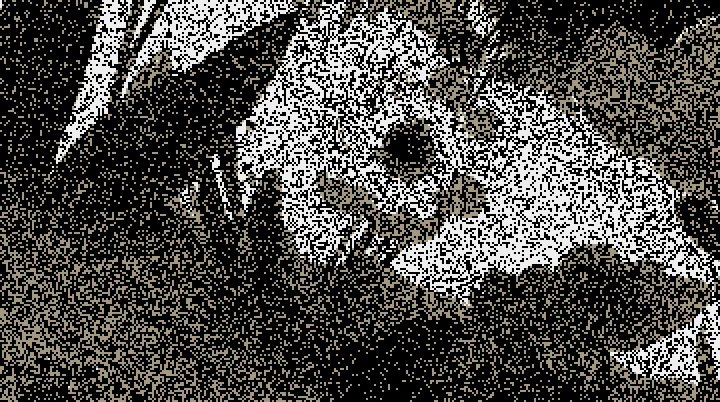
Single-step random noise, like a grainy photocopy.
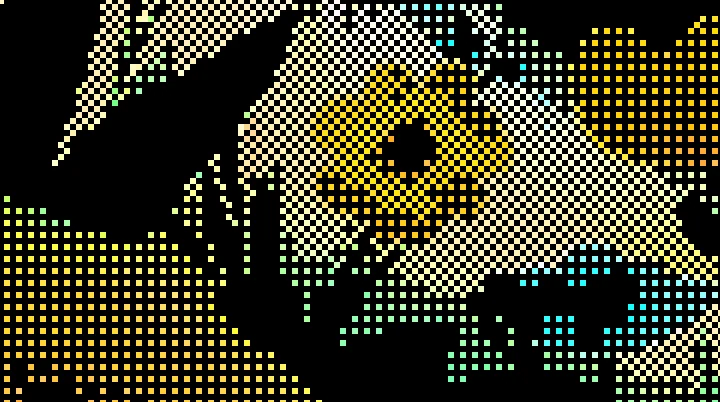
Bayer 2×2 in the original colors with 3 px pixels: old console vibes.
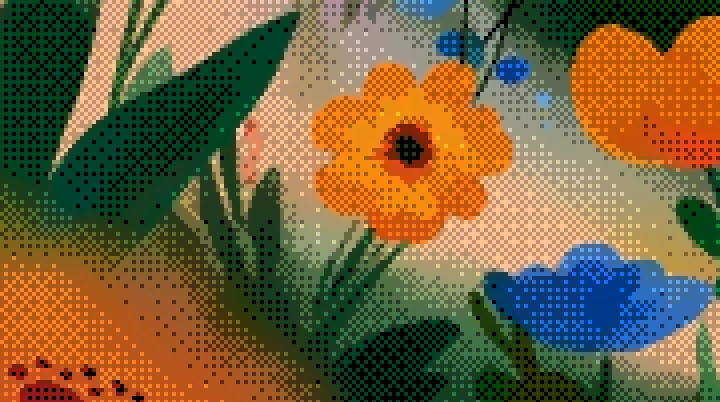
Five-step Bayer 8×8 in the original colors: a fine pattern you barely notice.
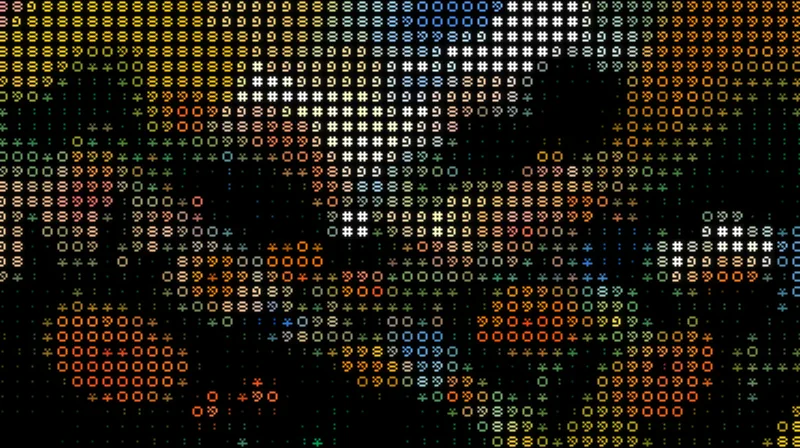
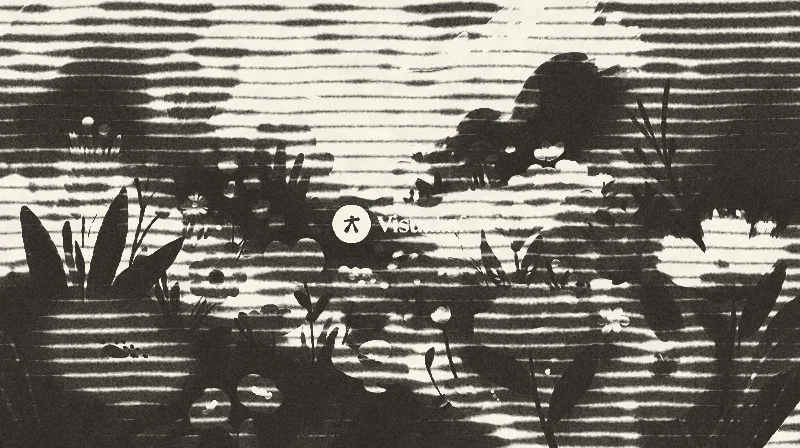
Detail zoomed to 200%: each preset applied to the same illustration.
The same names you see in the script’s dialog.
Install
Scripts are imported once into Affinity’s library and stay there for good, one click away.
Pick the dialog language, sign in with your account and download the .afscripts file.
Open Window › Scripting › Scripts Library. In the panel’s ▾ menu, choose Import Scripts… and select the file.
Click the script inside the Visual.af category. The first time, Affinity asks you to confirm that you trust it.
To keep it in the same category, download the .afscript and import it from the Visual.af category’s ≡ menu with Import Script…. If you import another .afscripts, Affinity creates “Visual.af 2”: drag the script into the first one and delete the second.
Affinity 3.3 or later, on Windows or macOS. The scripts don’t use the internet or touch your files: everything happens inside Affinity.
A technique for showing many tones with few colors: instead of gradients, it uses dot patterns whose density mimics each tone. It’s the look of old screens and printers.
Bayer arranges the dots with a fixed matrix and gives regular, grid-like patterns. Random scatters them with noise for a more organic grain.
Yes. The script takes the selected layer exactly as it looks, whether it’s a photo, a pixel layer, a group, text or a whole artboard.
On social media sized images each change takes about a tenth of a second. On 24 megapixel photos, one to two seconds depending on the algorithm.
Turns any layer into a tube screen: curvature, RGB phosphors, scanlines and bloom.
Turns your images into art made of characters, in their original colors or a single ink, with a transparent background.
Lines of ink that bleed into the paper, with 1 to 3 inks, overprint and misregistration.