1
NewsPinned
Affont 1.1.8: native Affinity files, the New Affont Kerning Engine and demo fonts
 Emmanuel from AffontTeamTeam·
A big update. What’s new:
Native Affinity files
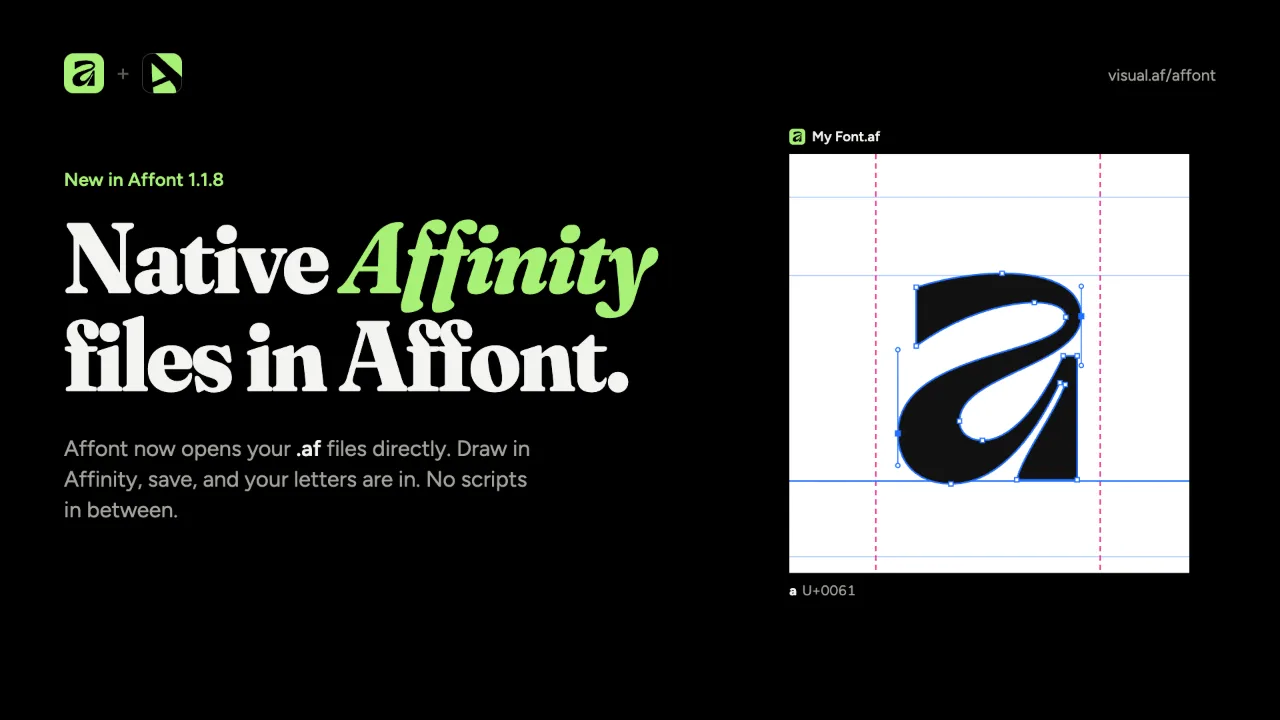
Besides the Affinity scripts, Affont now opens your .af files natively, with nothing in between.
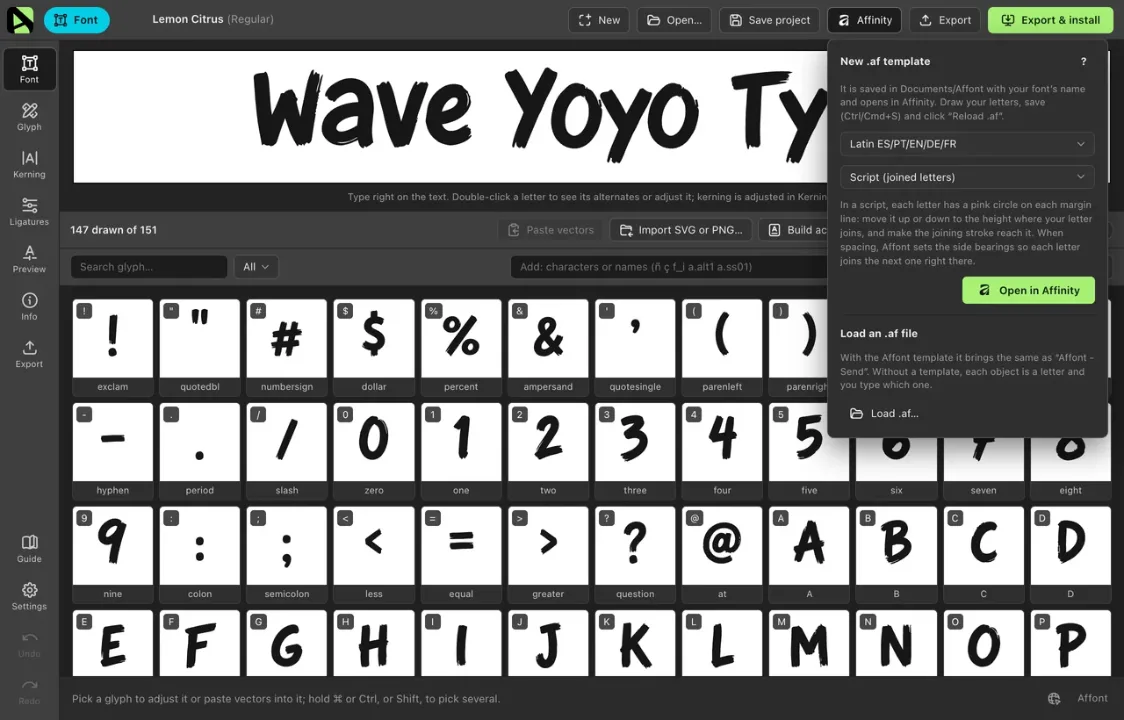
- Affinity ▸ New .af template, in the top bar: pick the character set and a Style (Sans serif, Serif, Handwritten or Script), and the template opens in Affinity, saved in Documents/Affont with your font’s name.
- Draw, save in Affinity and click Reload .af: the letters come in just like with “Affont - Send”, with side bearings, strokes, gradients and Pixel painting. The button shows a dot every time you save the .af, and it never reloads on its own, so it won’t overwrite what you retouch in Affont.
- Load .af…, or dragging the file onto the window, reads any Affinity document, also from Affinity 1 and 2 and from the iPad. Without a template, each object is a letter and New characters opens so you can say which one.
New Affont Kerning Engine
Automatic spacing and kerning, redesigned from scratch.
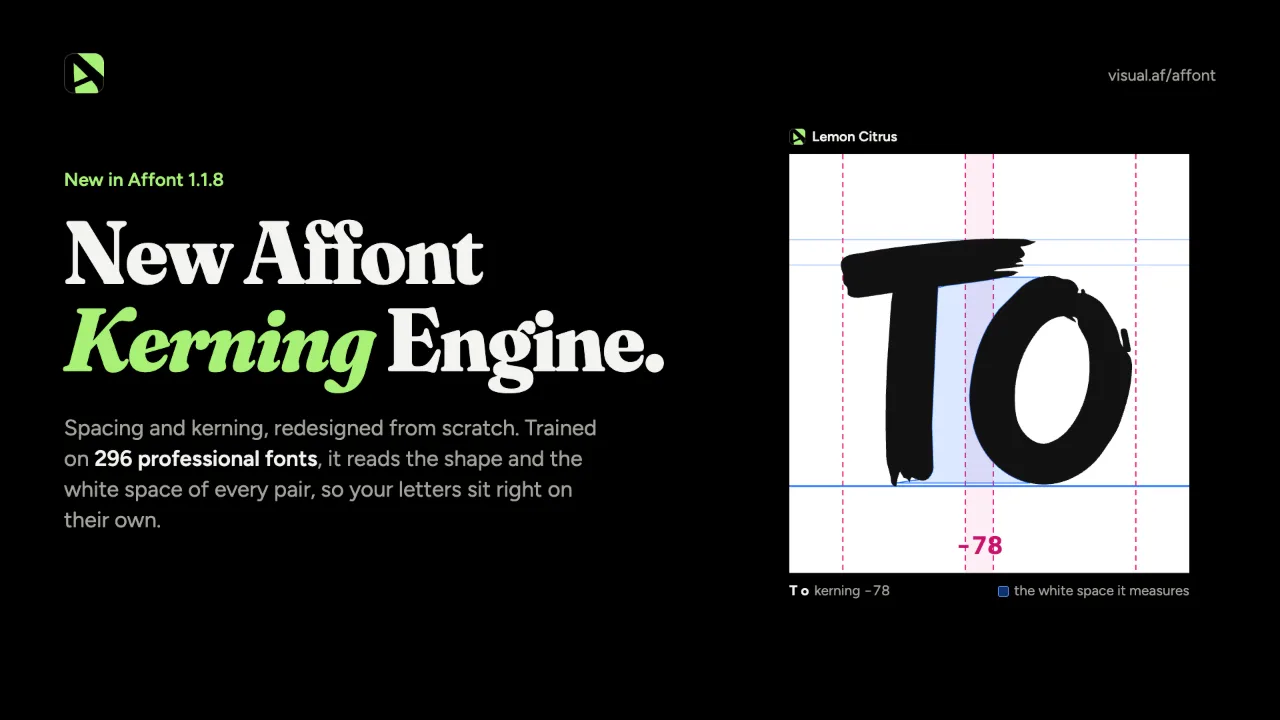
- It reads each letter by its shape: how deep the white space goes and at what height, and in each pair, how close the two letters come, the space between them (diagonals too) and their counters.
- Two networks trained on the spacing and kerning of 296 professional fonts decide the side bearings of every letter and how much to kern each pair.
- Tested on 68 fonts it never saw, it lands closer to what their designers did than 1.1.7, especially in scripts, and it hardly ever kerns where they didn’t.
- One button, Space & kern…, in Font, Spacing and Kerning, with Both, Space or Kern at the top. Both is best: kerning is worked out on the new side bearings.
- The air is the side bearing of your n, and changing the strength updates the result instantly.
Demo fonts
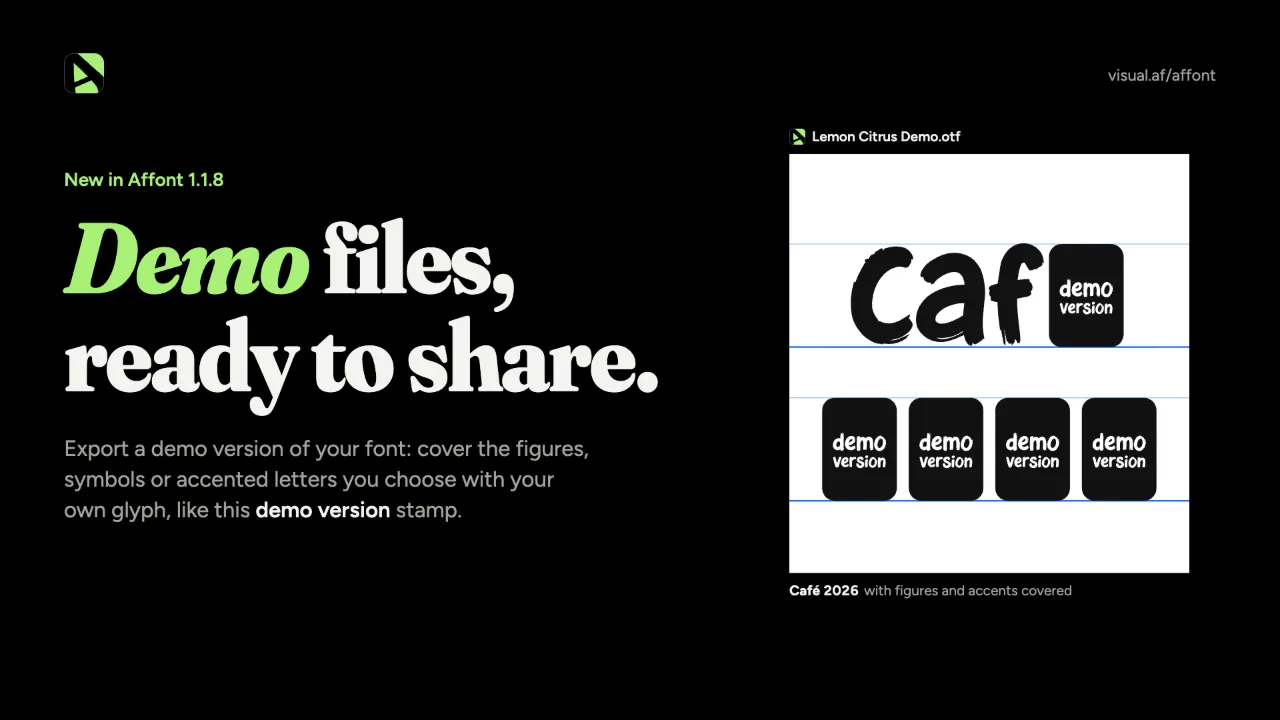
- In Export, check Also export a demo version. In the gear next to it, choose what to cover (uppercase, lowercase, figures, punctuation and symbols, accented letters) and what goes in their place: nothing (empty, keeping their width) or a glyph from your font, like your logo drawn in .notdef.
- Every export then also gives you a “Your Font Demo” copy, in the same formats and folder, ready to give away or show. Ligatures and alternates of what’s covered are covered too, and your font and your project don’t change.
Handwriting and script templates
- The Affinity template now comes in four styles: Sans serif, Serif, Handwritten and Script (joined letters), each with its own faint reference letter, metrics and slant. Handwritten adds a line at half the x-height, like a notebook.
- Joined scripts: in the Script template, each letter has a pink circle on each side bearing. Move it to the height where your letter joins and draw the joining stroke up to it: spacing joins each letter to the next right there, with a round, continuous join.
Also new
- When the app opens, autosaved work is no longer lost if the license check takes a while.
- The Windows installer is signed, and VirusTotal finds nothing in it (0 of 69).
After updating, import the Affinity scripts again only if you use them, to get the new template styles and the joining circles:
- In Affont: Settings ▸ Scripts for Affinity ▸ Save…
- In Affinity: Script Library ▸ ▾ menu ▸ Import scripts… (delete the old “Affont” category first).
Thanks to the designer who asked for demo fonts while planning their third font: it went straight into this version.